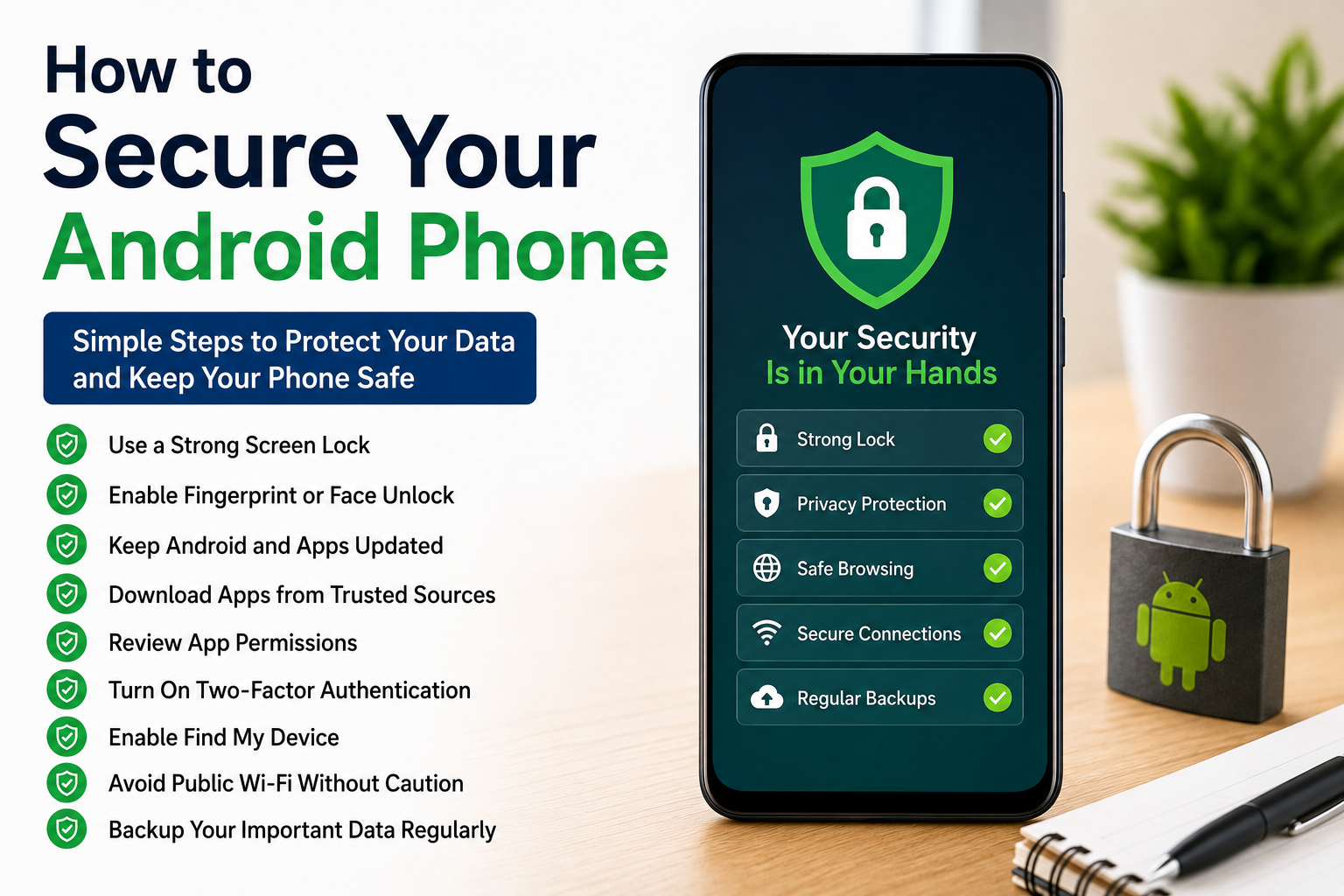
Our smartphones contain almost every part of our personal lives. We store photos, banking apps, emails, passwords, documents, contacts, and social media accounts on them. Because of this, keeping an Android phone secure is more important than ever. I used to think that only people with important jobs needed to worry about phone security, but I realized that every smartphone user can become a target for hackers, scams, or data theft.
The good news is that protecting your Android phone is not difficult. Most security features are already built into Android, and with a few smart habits, you can greatly reduce the risk of losing your personal information.
In this article, I will share how to secure your Android phone using simple methods that I personally follow every day.
Why Android Phone Security Matters
Many people believe their phone contains nothing valuable.
I used to think the same until I realized how much personal information is stored on a smartphone.
Our phones contain passwords, financial information, private conversations, family photos, work documents, and login details for many online accounts.
If someone gains unauthorized access to your device, they may also gain access to your digital life.
That is why phone security should never be ignored.
Use a Strong Screen Lock
The first step toward protecting your Android phone is using a secure screen lock.
Avoid simple patterns or easy PIN numbers like 1234 or 0000.
Instead, choose a strong PIN, password, or biometric authentication such as fingerprint or facial recognition if your phone supports it.
This simple step prevents unauthorized access if your phone is lost or stolen.
Enable Fingerprint or Face Unlock
Modern Android phones include biometric security features.
I prefer using fingerprint authentication because it is both secure and convenient.
It allows quick access while making it difficult for someone else to unlock the device.
When available, combining biometrics with a strong PIN provides additional protection.
Keep Android Updated
Software updates do more than add new features.
They also fix security vulnerabilities that hackers may try to exploit.
Whenever my phone receives a system update, I install it as soon as possible.
Keeping Android updated is one of the easiest ways to improve security.
Update Your Apps Regularly
Outdated applications may contain security weaknesses.
Developers regularly release updates to fix bugs and improve protection.
I always keep automatic app updates enabled through the Google Play Store.
This ensures I receive the latest security improvements without remembering to update each app manually.
Download Apps Only from Trusted Sources
One of the biggest security mistakes is installing applications from unknown websites.
I only download apps from the Google Play Store because Google checks applications for potential security risks.
Installing software from untrusted sources increases the chance of malware entering your device.
Staying with trusted sources greatly reduces this risk.
Review App Permissions
Many applications request permissions that they do not actually need.
Before installing any app, I carefully review what access it requests.
If a flashlight app wants access to contacts or messages, that should raise questions.
Only grant permissions that are necessary for the app to function.
You can also review permissions later through Android settings.
Use Google Play Protect
Android includes a built in security feature called Google Play Protect.
It automatically scans installed applications for harmful behavior.
I leave this feature enabled because it continuously checks my device without requiring additional effort.
It provides an extra layer of protection against potentially dangerous apps.
Enable Find My Device
Losing a smartphone can be stressful.
Fortunately, Android includes a feature called Find My Device.
If my phone is ever lost, I can locate it, lock it remotely, display a message, or erase its data if necessary.
Setting up this feature before you need it can prevent major problems later.
Use Strong Passwords
Your phone is only as secure as the accounts connected to it.
Using the same password everywhere creates unnecessary risk.
I create unique passwords for important accounts like email, banking, and cloud storage.
This way, even if one account becomes compromised, the others remain protected.
Turn On Two Factor Authentication
Two factor authentication adds another layer of account security.
Even if someone discovers your password, they still need a second verification code before accessing your account.
I enable this feature whenever it is available.
It significantly improves security for email, banking, and social media accounts.
Avoid Public WiFi Without Caution
Public WiFi networks are convenient but not always secure.
Whenever possible, I avoid accessing banking accounts or entering sensitive passwords while connected to public networks.
If I must use public WiFi, I limit my activity to basic browsing until I return to a trusted connection.
Being cautious helps reduce unnecessary risks.
Lock Sensitive Apps
Some Android phones allow individual apps to be protected with fingerprints or passwords.
If your device supports this feature, consider locking banking apps, password managers, and private messaging applications.
Even if someone unlocks your phone, these apps remain protected.
Backup Important Data
No security plan is complete without backups.
I regularly back up photos, contacts, documents, and important files to cloud storage.
If my phone is lost, damaged, or reset, I can restore everything easily.
Having backups also reduces stress during unexpected situations.
Remove Apps You No Longer Use
Unused applications can become security risks if they stop receiving updates.
I regularly review installed apps and remove anything I no longer need.
Keeping fewer applications on the phone also improves performance and storage management.
Watch for Phishing Messages
Not every security threat comes from malicious apps.
Scammers often send fake text messages, emails, or social media links pretending to be trusted companies.
I never click suspicious links without verifying the sender first.
If something seems unusual, I visit the company’s official website instead of using the provided link.
Avoid Rooting Your Phone
Rooting gives advanced control over Android, but it also removes important security protections.
Unless you fully understand the risks, it is better to keep the phone in its original secure configuration.
Most users never need root access for everyday activities.
Use Secure Browsing Habits
While browsing the internet, I avoid downloading unknown files or visiting suspicious websites.
Secure websites using encrypted connections provide better protection for personal information.
Being careful online prevents many common security problems.
Turn Off Bluetooth When Not Needed
Leaving Bluetooth enabled continuously increases the chance of unauthorized connection attempts.
I only enable Bluetooth when using wireless headphones, speakers, or file sharing.
Turning it off afterward improves both security and battery life.
Monitor Battery and Device Activity
Sometimes unusual battery drain or unexpected background activity can indicate a problem.
If my phone suddenly becomes much slower or the battery drains unusually fast, I check recently installed applications.
Removing suspicious apps often solves the issue.
Use Screen Timeout
Setting a short screen timeout helps protect your phone if you accidentally leave it unattended.
My phone locks automatically after a short period of inactivity.
This simple setting prevents others from accessing the device when I forget to lock it manually.
Encrypt Your Data
Most modern Android phones automatically encrypt stored data.
Encryption protects your information by making it unreadable without proper authentication.
This provides another important layer of security if the device falls into the wrong hands.
Stay Alert for Security Warnings
Whenever Android displays a warning about an unsafe app or suspicious activity, I take it seriously.
Ignoring security notifications increases the chance of future problems.
Reviewing these warnings carefully helps identify potential threats early.
Good Daily Security Habits
Phone security is not only about settings.
It is also about everyday habits.
Keep your software updated.
Download apps only from trusted sources.
Review permissions regularly.
Use strong passwords.
Avoid suspicious links.
Back up important files.
Lock your phone whenever you are not using it.
These habits make a significant difference over time.
Common Android Security Mistakes
Many people accidentally weaken their own security.
Using simple passwords, ignoring updates, installing apps from unknown websites, connecting to unsafe WiFi networks, and granting unnecessary permissions all increase security risks.
Avoiding these common mistakes makes your phone much safer.
Do You Need Extra Security Apps?
Many people install several antivirus applications.
In my experience, most Android users do not need multiple security apps.
Google Play Protect, regular software updates, trusted downloads, and good browsing habits already provide strong protection.
Installing unnecessary security applications can sometimes reduce performance without providing additional benefits.
Final Thoughts
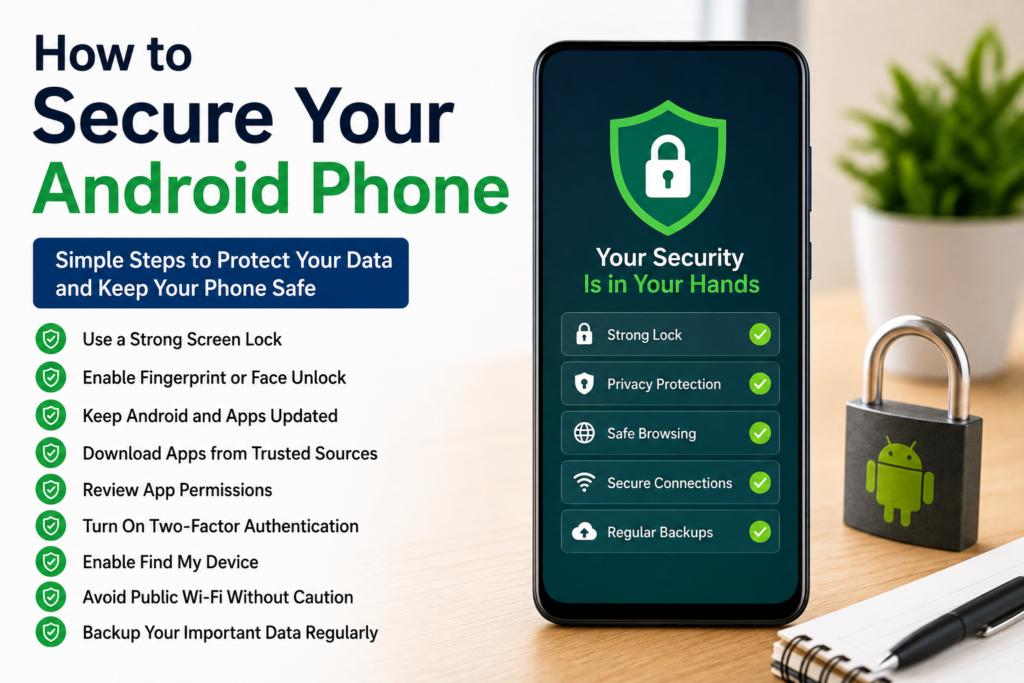
Learning how to secure your Android phone is one of the smartest things you can do to protect your personal information. Our smartphones contain valuable data, and taking a few simple precautions can prevent many security problems. Using a strong screen lock, enabling fingerprint authentication, updating Android and apps regularly, reviewing permissions, downloading software only from trusted sources, backing up important files, and enabling two factor authentication all work together to create a much safer device.
I personally follow these habits every day because they require very little effort but provide long term protection. Android already includes many excellent security features, and when combined with smart online behavior, they help keep your personal information safe. By making security part of your daily routine, you can use your Android phone with greater confidence and peace of mind.