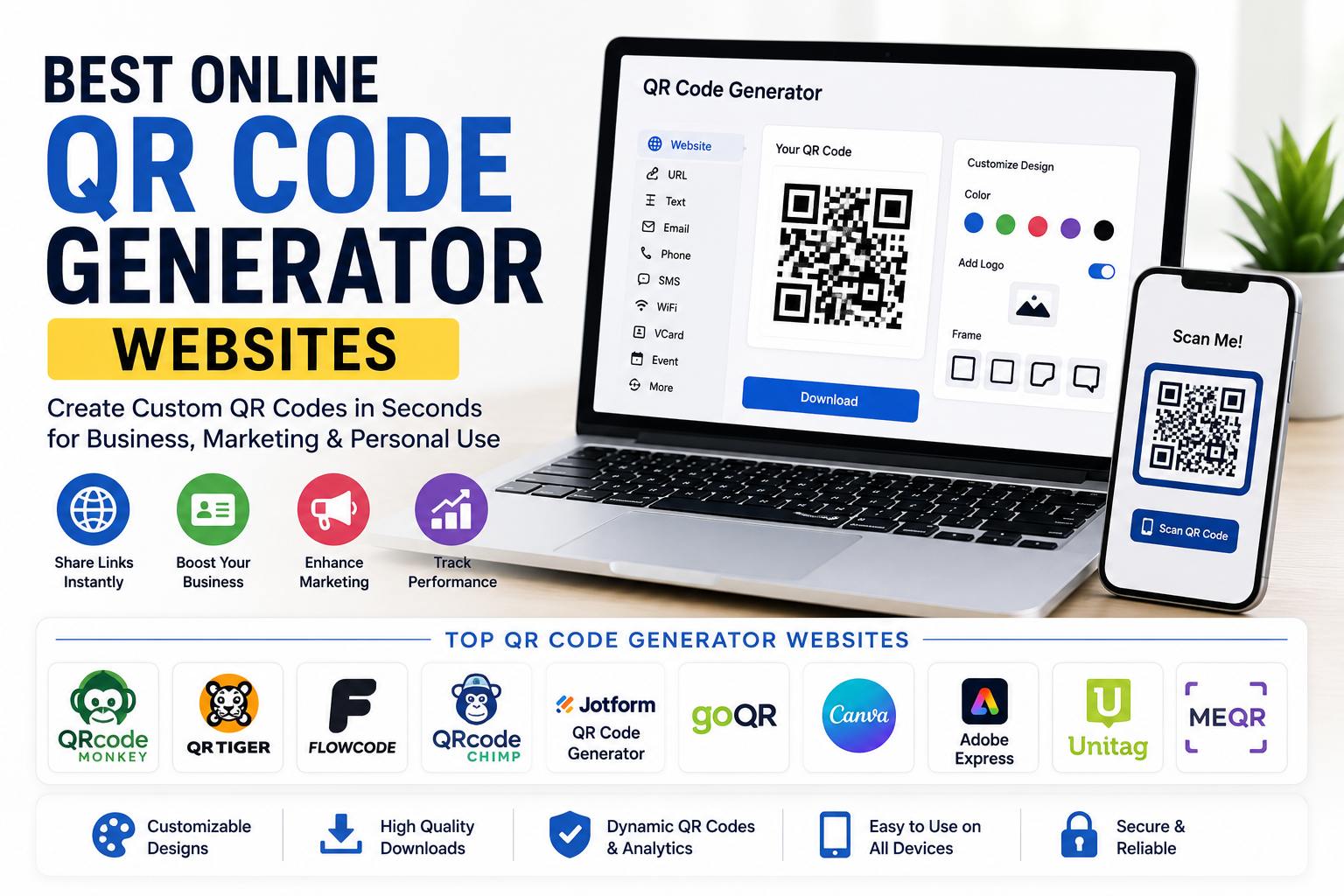
QR codes have become a normal part of everyday life. We use them to visit websites, connect to WiFi, make payments, download apps, share contact information, and even access restaurant menus. A few years ago, creating a QR code required special software, but today there are many excellent online QR code generator websites that allow anyone to create one within seconds.
I have used QR codes for websites, business cards, social media profiles, and personal projects. After trying different online tools, I realized that each platform offers something unique. Some focus on simple static QR codes, while others provide advanced features like scan analytics, custom branding, and dynamic QR codes.
In this article, I will share some of the best online QR code generator websites available in 2026 and explain why they are worth considering.
Why QR Codes Are So Useful
QR codes make sharing information incredibly simple.
Instead of typing a long website address or complicated WiFi password, users simply scan the code with their smartphone camera.
Within seconds they reach the intended destination.
Businesses use QR codes for product packaging, advertisements, menus, event tickets, and customer feedback forms.
Students use them to share documents and presentations.
Content creators often place QR codes in videos, posters, and business cards to make it easier for people to access their websites or social media profiles.
QRCode Monkey
QRCode Monkey is one of my favorite QR code generators because it offers a great balance between simplicity and customization.
Users can create high quality QR codes for websites, text, email addresses, phone numbers, and many other types of information.
One feature I really like is the ability to customize colors, shapes, and even add a company logo inside the QR code.
The downloaded images are available in high quality, making them suitable for both digital and print projects.
QR TIGER
QR TIGER is another excellent platform for creating professional QR codes.
Besides static QR codes, it also supports dynamic QR codes that allow users to update the destination without changing the printed code.
Businesses often use this feature because marketing campaigns can be updated without printing new materials.
The platform also offers analytics that help track how many times a QR code has been scanned.
Some advanced features require a paid subscription, but the free version is useful for many users.
Flowcode
Flowcode has become increasingly popular among businesses and creators.
Its interface is modern and beginner friendly.
Creating a QR code takes only a few clicks.
The platform supports website links, contact information, social media profiles, videos, and several other content types.
I also like its attractive design options that help create visually appealing QR codes.
Jotform QR Code Generator
Jotform is widely known for online forms, but its QR Code Generator is also an excellent free tool.
It allows users to quickly generate QR codes for websites, forms, contact details, and other online content.
The process is straightforward, making it suitable even for people who have never created a QR code before.
For anyone already using Jotform forms, the integration is especially convenient.
QRCodeChimp
QRCodeChimp focuses on both appearance and functionality.
Users can customize colors, logos, frames, and shapes while creating QR codes for websites, business cards, events, reviews, and social media.
I appreciate how much creative freedom it provides.
Businesses looking for branded QR codes often find this platform particularly useful.
GoQR
If you simply want a quick QR code without extra settings, GoQR is a great option.
The interface is clean and minimal.
Users enter their information, generate the QR code, and download it immediately.
Sometimes simplicity is exactly what you need, especially for personal projects or temporary use.
Canva QR Code Generator
Many people already use Canva for graphic design.
One useful feature is its built in QR code generator.
I often recommend Canva to people creating posters, brochures, invitations, or social media graphics because the QR code can be added directly into the design without switching between multiple websites.
This saves both time and effort.
Adobe Express QR Code Generator
Adobe Express also offers a convenient QR code generator.
The tool allows users to create QR codes and immediately use them inside posters, flyers, presentations, and marketing materials.
For designers who already work with Adobe products, this integration provides a smooth workflow.
Unitag QR Code Generator
Unitag is another professional QR code platform.
It supports detailed customization including colors, patterns, frames, and logo placement.
The platform focuses heavily on branding, making it suitable for companies that want QR codes matching their visual identity.
It also provides several download options for different printing requirements.
ME QR
ME QR offers both static and dynamic QR codes along with additional management features.
Users can organize multiple QR codes inside one dashboard, making it useful for businesses running several campaigns simultaneously.
Its analytics tools help monitor scan activity, although some advanced features are available only in premium plans.
Features to Look For
Not every QR code generator provides the same capabilities.
High resolution downloads are important if you plan to print large posters or banners.
Customization options allow colors, logos, and frames that match your brand.
Dynamic QR codes provide flexibility because the destination can be changed later.
Analytics help businesses understand customer engagement.
Easy sharing and multiple download formats also improve usability.
Choosing the right platform depends on how you plan to use your QR codes.
Static Versus Dynamic QR Codes
One important difference is between static and dynamic QR codes.
Static QR codes permanently store the information inside the code.
Once created, the destination cannot be changed.
Dynamic QR codes use a redirect system that allows the destination to be updated later.
Businesses often prefer dynamic QR codes because marketing campaigns can be modified without replacing printed materials.
However, many personal projects work perfectly well with static QR codes.
Tips for Creating Better QR Codes
Keep enough white space around the QR code.
Use high quality image files when printing.
Avoid making the QR code too small.
Always test it using multiple smartphones before publishing.
If adding colors or logos, make sure there is still enough contrast for reliable scanning.
These simple practices improve scanning performance.
Stay Safe When Using QR Codes
QR codes are convenient, but users should also stay cautious.
Before scanning unknown QR codes, check where they are located.
Fake QR codes can sometimes redirect users to fraudulent websites.
Many smartphones display the destination before opening the link, allowing users to verify it first.
Being careful while scanning helps avoid phishing attempts and other online scams.
Final Thoughts
Online QR code generators have made it incredibly easy to create professional QR codes without installing software. Whether you need a QR code for a personal website, business card, restaurant menu, event ticket, product packaging, or marketing campaign, there are excellent free tools available.
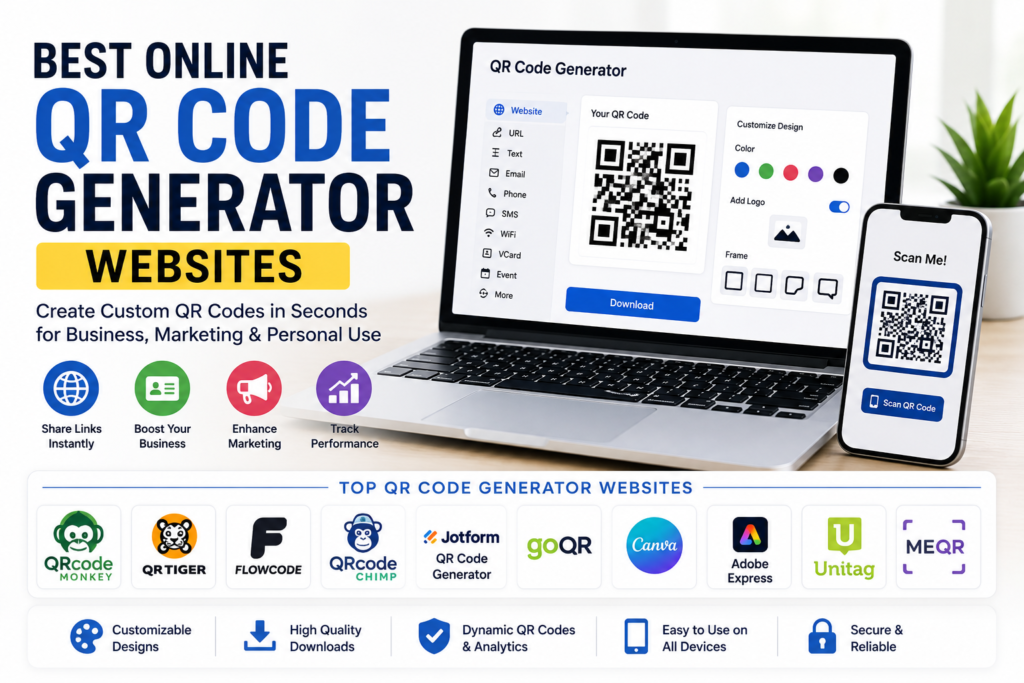
In my opinion, QRCode Monkey, QR TIGER, Flowcode, Jotform QR Code Generator, QRCodeChimp, GoQR, Canva, Adobe Express, Unitag, and ME QR are among the best online QR code generator websites in 2026. Each platform offers different strengths, from simple QR code creation to advanced customization and scan tracking.
The best choice depends on your specific needs. If you only need a basic QR code, a simple free generator is usually enough. If you manage business campaigns or marketing materials, dynamic QR codes and analytics may be worth exploring. No matter which platform you choose, QR codes remain one of the fastest and most convenient ways to connect people with digital content.