The internet has become a part of our daily routine. Whether we are checking emails, shopping online, reading the news, watching videos, or using social media, we spend hours browsing the web every day. While the internet offers endless opportunities, it also comes with risks. I used to think that simply having an antivirus program was enough to stay safe online. Over time, I realized that safe browsing depends more on our daily habits than on any software.
Cybercriminals constantly create new ways to steal personal information, spread malware, and trick users into revealing sensitive data. The good news is that most online threats can be avoided by following a few simple safety practices.
In this article, I will share safe browsing tips everyone should know based on the habits I personally follow whenever I use the internet.
Why Safe Browsing Is Important
Every website we visit and every link we click has the potential to affect our online security.
Most websites are completely safe, but some are designed to steal information or infect devices with harmful software.
Safe browsing helps protect your personal information, financial accounts, passwords, and private files.
Developing good online habits today can prevent major problems in the future.
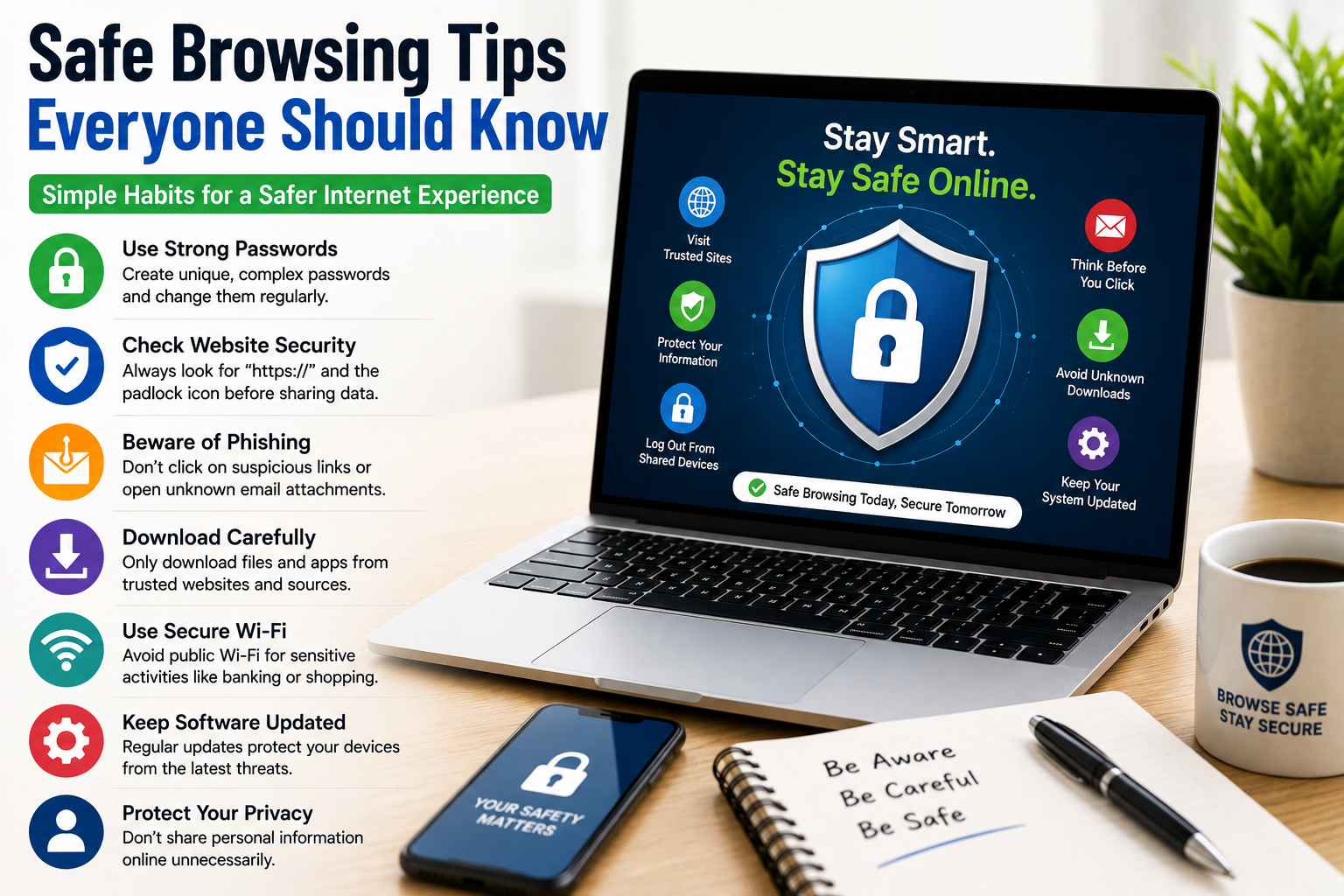
Use Strong and Unique Passwords
One of the first things I improved was my password security.
Using the same password for multiple websites is risky because if one account is compromised, all other accounts become vulnerable.
Instead, I create strong passwords that combine letters, numbers, and special characters.
Each important account has its own unique password.
This simple habit greatly improves online security.
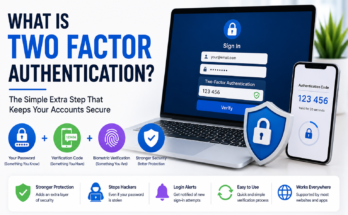
Enable Two Factor Authentication
Whenever a website offers two factor authentication, I activate it.
This extra security step requires a second verification code before logging in.
Even if someone discovers my password, they cannot access my account without the second verification method.
It is one of the easiest ways to protect important accounts.
Keep Your Browser Updated
Web browsers regularly receive security updates.
These updates fix vulnerabilities that attackers may try to exploit.
I always install browser updates as soon as they become available.
Using the latest version helps reduce security risks while browsing.
Visit Trusted Websites
Before entering personal information on any website, I make sure the site is trustworthy.
Well known websites with good reputations are generally much safer than unknown sites.
If I am unsure about a website, I research it before creating an account or making a purchase.
Being cautious saves many future problems.
Check Website Addresses Carefully
Scammers often create fake websites that look almost identical to legitimate ones.
The only difference may be a small spelling change in the web address.
Before entering passwords or payment information, I always double check the website address.
A few seconds of attention can prevent identity theft.
Avoid Clicking Suspicious Links
One of the easiest ways to become a victim of cybercrime is clicking unknown links.
I never click links from unexpected emails, text messages, or social media posts without verifying them first.
If a company needs my attention, I visit its official website directly instead of using provided links.
This simple habit protects me from many phishing attempts.
Be Careful with Email Attachments
Not every email attachment is safe.
Even messages that appear to come from friends or coworkers can be dangerous if their accounts have been compromised.
Before opening attachments, I make sure I know who sent them and why.
If something feels unusual, I confirm with the sender first.
Download Files Only from Trusted Sources
Whenever I need software or documents, I download them only from official websites or trusted platforms.
Unknown download websites sometimes include harmful software hidden inside files.
Using trusted sources greatly reduces this risk.
Keep Your Operating System Updated
Software updates improve more than performance.
They also fix important security weaknesses.
I regularly update both my computer and smartphone to ensure they have the latest security protections.
Keeping devices updated is one of the simplest ways to stay safer online.
Review Browser Extensions
Browser extensions can make browsing more convenient, but they also gain access to browsing activity.
I review installed extensions regularly and remove anything I no longer use.
Keeping only trusted extensions improves both privacy and security.
Use Secure WiFi Networks
Whenever possible, I use trusted internet connections.
Public WiFi networks can sometimes expose users to additional security risks.
If I need to use public WiFi, I avoid online banking and other activities involving sensitive information.
Waiting until I return to a secure connection is usually the safer choice.
Think Before Sharing Personal Information
Many websites request personal information during registration.
Before providing details, I ask myself whether the information is truly necessary.
I avoid sharing unnecessary personal data whenever possible.
The less information available online, the better protected my privacy becomes.
Log Out from Shared Devices
If I ever use a public or shared computer, I always log out before leaving.
Remaining signed into personal accounts creates unnecessary security risks.
Logging out only takes a few seconds but protects important information.
Watch Out for Pop Up Windows
Some websites display fake warning messages claiming your device is infected.
These pop ups often encourage users to download fake security software.
Whenever I encounter suspicious pop ups, I simply close the browser instead of clicking inside the message.
Ignoring fake warnings prevents many problems.
Clear Browser Data Occasionally
Browsers store cookies, history, and cached files to improve browsing speed.
Although useful, they also contain browsing information.
I occasionally clear browsing data to reduce stored personal information and improve browser performance.
Avoid Oversharing on Social Media
Social media makes it easy to share everyday activities.
However, sharing too much personal information creates privacy risks.
I avoid posting travel plans before returning home and keep sensitive personal details private.
Online privacy often begins with responsible sharing.
Use Search Results Carefully
Not every search result leads to a trustworthy website.
Some scam websites use search engine advertisements or misleading titles.
Before clicking unfamiliar results, I read the website address carefully.
Taking a moment to verify the source improves browsing safety.
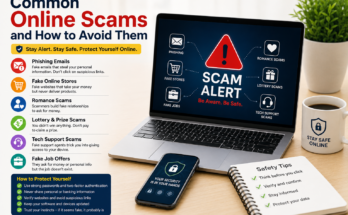
Recognize Phishing Attempts
Phishing attacks continue becoming more convincing.
Scammers imitate banks, online stores, government agencies, and technology companies.
Whenever I receive urgent requests for passwords or financial information, I verify the request independently.
Legitimate organizations rarely ask for sensitive information through email.
Monitor Your Online Accounts
I occasionally review account activity for important services.
Many websites show recent login history.
If I notice unfamiliar activity, I immediately change my password and review my security settings.
Monitoring accounts helps identify problems before they become serious.
Backup Important Files
Browsing safely also includes preparing for unexpected situations.
I regularly back up important documents, photos, and personal files.
If my device ever becomes infected or damaged, I can restore everything without losing valuable information.
Learn to Recognize Warning Signs
Most online scams share similar warning signs.
They create urgency.
They promise unrealistic rewards.
They request personal information.
They pressure users into acting immediately.
Whenever I notice these signs, I become much more cautious.
Develop Good Browsing Habits
Safe browsing is not about using complicated technology.
It is about making smart decisions every day.
Verify websites.
Think before clicking links.
Use strong passwords.
Keep software updated.
Avoid suspicious downloads.
Protect personal information.
These habits quickly become part of your daily routine.
Common Browsing Mistakes
Many people accidentally increase online risks by ignoring software updates, using weak passwords, clicking unknown links, downloading files from untrusted websites, and oversharing personal information.
Avoiding these mistakes greatly improves online safety.
Is Safe Browsing Difficult?
Not at all.
Most safe browsing practices take only a few extra seconds.
Checking website addresses, verifying emails, updating software, and thinking before clicking links require very little effort.
However, these small actions provide significant protection against online threats.
Consistency is far more important than technical expertise.
Final Thoughts
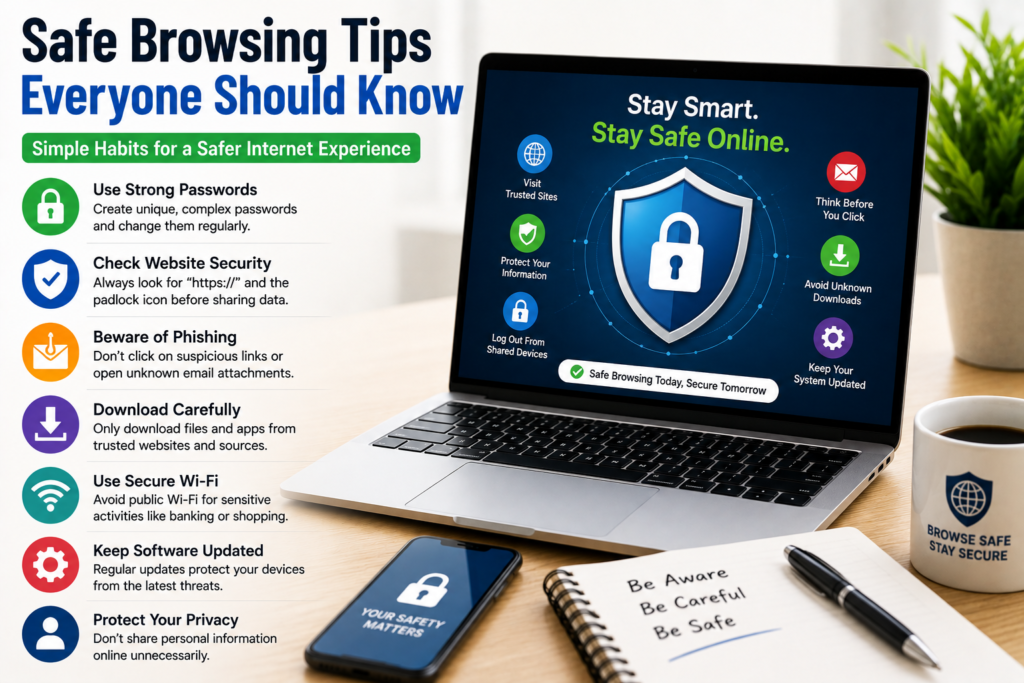
Learning safe browsing tips everyone should know is one of the smartest investments you can make in your online security. Every day, we use the internet to communicate, work, shop, and manage important parts of our lives. By using strong passwords, enabling two factor authentication, keeping software updated, avoiding suspicious links, visiting trusted websites, reviewing browser extensions, protecting personal information, and thinking carefully before sharing sensitive data, you can greatly reduce the risk of becoming a victim of online threats.
I personally follow these habits every time I browse the internet because they are simple, practical, and highly effective. Safe browsing is not about fear or avoiding technology. It is about using the internet wisely and staying aware of potential risks. With a little caution and consistent good habits, you can enjoy everything the internet has to offer while keeping your personal information secure.