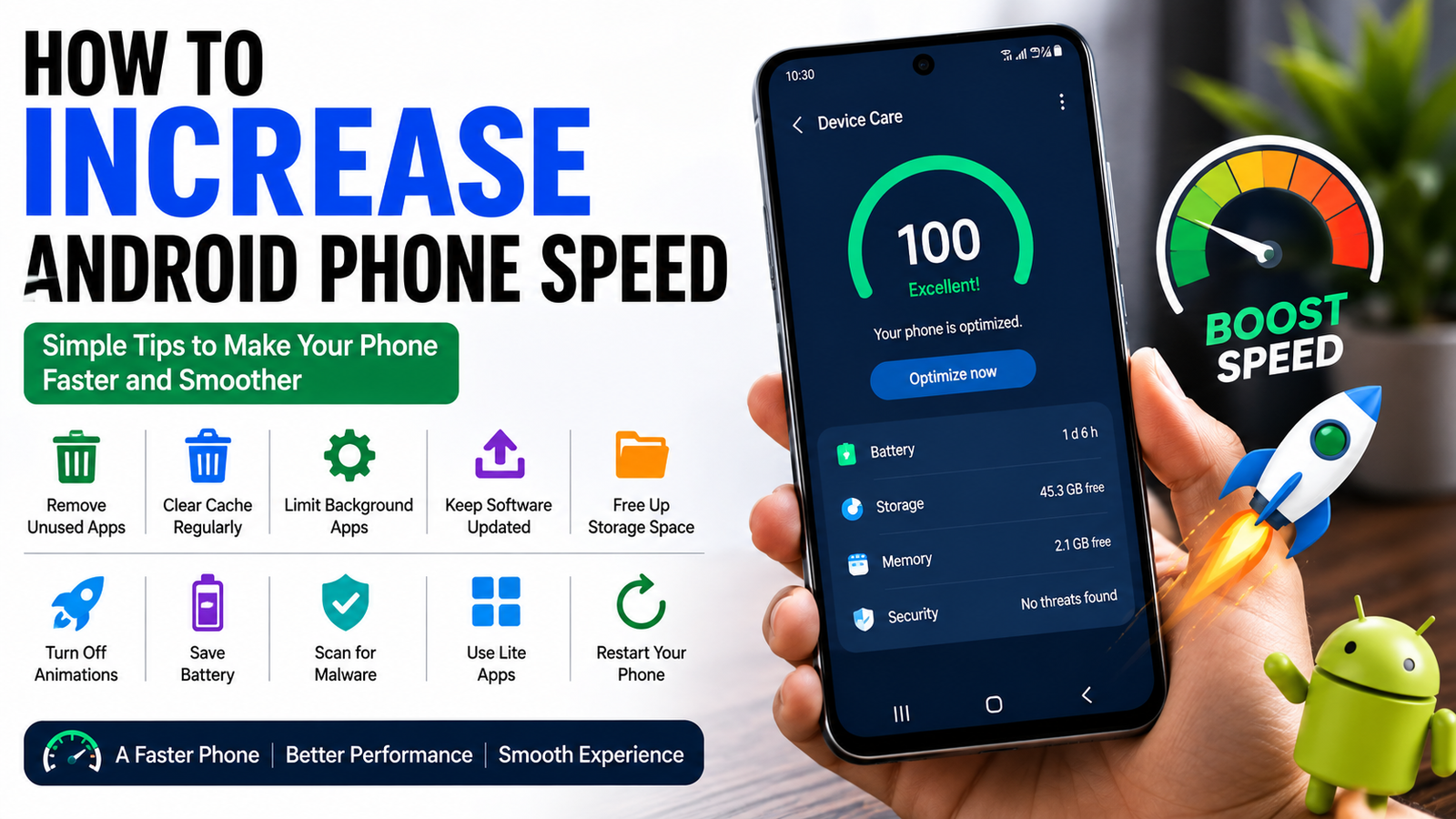
Almost everyone has experienced an Android phone becoming slower over time. At first, everything feels smooth and responsive, but after months or years of regular use, apps start taking longer to open, animations become slower, and multitasking no longer feels as fast as it once did. The good news is that a slow phone does not always mean you need to buy a new one.
I have used Android phones for many years, and I have learned that most performance problems can be solved with a few simple changes. In many cases, people install too many apps, ignore software updates, or allow their storage to become completely full. These small habits slowly reduce performance without users even realizing it.
In this article, I will share the best ways to increase your Android phone’s speed without spending money. These tips work for most Android brands including Samsung, Xiaomi, OnePlus, Google Pixel, Vivo, Oppo, Realme, Motorola, and many others.
Restart Your Phone Regularly
One of the easiest ways to improve performance is simply restarting your phone.
Many people keep their phones running for weeks without turning them off. During this time, background processes continue using memory and system resources.
I usually restart my phone every few days. It only takes a minute and often makes the device feel much smoother.
Restarting clears temporary processes and gives the operating system a fresh start.
Keep Android Updated
Software updates are not only about adding new features.
Manufacturers regularly release updates that improve performance, fix bugs, and strengthen security.
Whenever an update becomes available, I install it after making sure my important data is backed up.
These updates often optimize system performance and improve battery efficiency.
Remove Apps You No Longer Use
Most people install many applications but only use a small percentage of them.
Unused apps continue occupying storage and may even run background services.
I recommend reviewing installed apps every month.
If you have not used an app for several months, consider uninstalling it.
Removing unnecessary applications frees storage space and reduces background activity.
Free Up Storage Space
Low storage is one of the biggest reasons Android phones become slow.
When internal storage is almost full, the operating system has less room to manage temporary files efficiently.
I always try to keep at least fifteen to twenty percent of my storage free.
Delete old downloads, duplicate photos, unnecessary videos, and unused files whenever possible.
Moving large files to cloud storage or an external drive can also help.
Clear App Cache
Applications store temporary files called cache to improve loading times.
Over time, these files become much larger than necessary.
Clearing cache occasionally can improve performance without deleting personal data.
I usually clear the cache for social media apps, browsers, and streaming services because they tend to accumulate the most temporary files.
There is no need to clear cache every day, but doing it occasionally can be helpful.
Limit Background Apps
Many applications continue running even after you close them.
Messaging apps, social media platforms, weather applications, and shopping apps often refresh in the background.
Review which apps truly need background access.
Disabling unnecessary background activity reduces memory usage and improves battery life at the same time.
Disable Unnecessary Animations
Android includes beautiful transition animations, but they also consume system resources.
Reducing animation speed makes the phone feel noticeably faster.
Developer Options allow users to decrease animation scales or even turn them off.
I personally prefer shorter animations because everything feels more responsive without changing the overall experience.
Use Lite Versions of Apps
Some popular applications offer lightweight versions.
These versions consume less storage, memory, and mobile data.
If your phone has limited RAM, using lighter applications for social media, messaging, or browsing can significantly improve performance.
They may have fewer features, but they usually run much faster on older devices.
Keep Only Useful Widgets
Widgets provide useful information directly on the home screen, but too many of them constantly refresh data.
Weather widgets, news feeds, calendars, and stock trackers all consume resources.
I only keep widgets that I actually use every day.
A cleaner home screen not only looks better but also reduces unnecessary background activity.
Turn Off Automatic Downloads
Some applications automatically download photos, videos, and other media.
Messaging apps often fill storage without users noticing.
Disabling automatic downloads gives you better control over storage while reducing unnecessary background processes.
This also helps save mobile data.
Scan for Malware
Although Android is generally secure, installing applications from unknown sources can introduce malicious software.
Malware may slow your phone by consuming processing power and battery life.
Download apps only from trusted app stores whenever possible.
If you suspect malware, use a reputable mobile security application to scan your device.
Reduce Home Screen Clutter
A crowded home screen filled with folders, shortcuts, and live wallpapers can affect performance on older phones.
I prefer using a simple wallpaper and organizing apps into a few folders.
This creates a cleaner appearance while helping the launcher run more smoothly.
Check Battery Health
An aging battery can sometimes reduce overall performance.
Some manufacturers automatically limit processor speed when battery health declines to prevent unexpected shutdowns.
If your phone is several years old and battery life has become very poor, replacing the battery may restore better overall performance.
Disable Apps You Cannot Remove
Many Android phones include preinstalled applications that cannot be uninstalled.
Fortunately, some of them can be disabled.
Disabling apps you never use prevents them from running background services.
This frees memory and reduces unnecessary system activity.
Avoid Too Many Antivirus or Cleaning Apps
Many people install multiple cleaning applications hoping to speed up their phones.
Ironically, these apps often consume memory themselves.
In my experience, Android already includes effective storage management tools.
Installing numerous optimization apps usually creates more background activity rather than improving performance.
Stick with trusted applications and avoid unnecessary cleaners.
Use a Faster Launcher
If your phone’s default launcher feels heavy, trying a lightweight launcher may improve responsiveness.
Many launchers focus on speed while offering useful customization options.
A simple launcher often feels much faster on older devices with limited hardware.
Reset Your Phone When Necessary
If your phone remains slow after trying every optimization method, performing a factory reset can sometimes restore performance.
Before resetting, always back up photos, contacts, documents, and other important files.
A clean installation removes years of accumulated files, settings, and unused data.
Many users are surprised by how much faster their phones feel afterward.
Develop Good Usage Habits
Improving phone speed is not only about changing settings.
Daily habits also matter.
Install only the apps you actually need.
Delete unnecessary files regularly.
Keep software updated.
Avoid downloading unknown applications.
Restart your device occasionally.
These simple habits help maintain smooth performance for years.
Final Thoughts
A slow Android phone does not automatically mean it has reached the end of its life. In many cases, simple maintenance can make a noticeable difference. Restarting the device, clearing unnecessary files, updating software, removing unused applications, reducing background activity, and keeping enough free storage are all effective ways to improve performance.
In my opinion, the best approach is regular maintenance rather than waiting until the phone becomes extremely slow. Spending just a few minutes each month organizing storage, reviewing installed apps, and checking for updates can keep your Android device running smoothly for a long time.
Technology continues to improve every year, but good habits remain the most effective way to maintain a fast and reliable smartphone. By following these practical tips, you can enjoy a smoother Android experience without spending money on a new device.