PDF files have become a part of everyday life. Whether I am applying for a job, submitting an assignment, signing a document, or sharing important files, I almost always use PDFs. The good thing is that I no longer need to install heavy software just to perform simple tasks like merging, compressing, converting, or editing PDF files. Today, there are many free online PDF tools that make these jobs incredibly easy.
Over the years, I have tried many PDF websites. Some are fast, some offer more features, and others focus on simplicity. The right choice depends on what you want to do, but the good news is that several excellent online tools are available for free.
In this article, I will share some of the best free online PDF tools in 2026 and explain how each one can make working with PDF files much easier.
Why Online PDF Tools Are So Popular
One reason I like online PDF tools is convenience.
There is no need to install software on every computer I use. I simply open a browser, upload my document, complete the task, and download the finished file.
Most online PDF platforms support common tasks such as compressing files, merging multiple PDFs, splitting documents, converting between different formats, rotating pages, and adding signatures.
For students, professionals, freelancers, and business owners, these tools save both time and storage space.
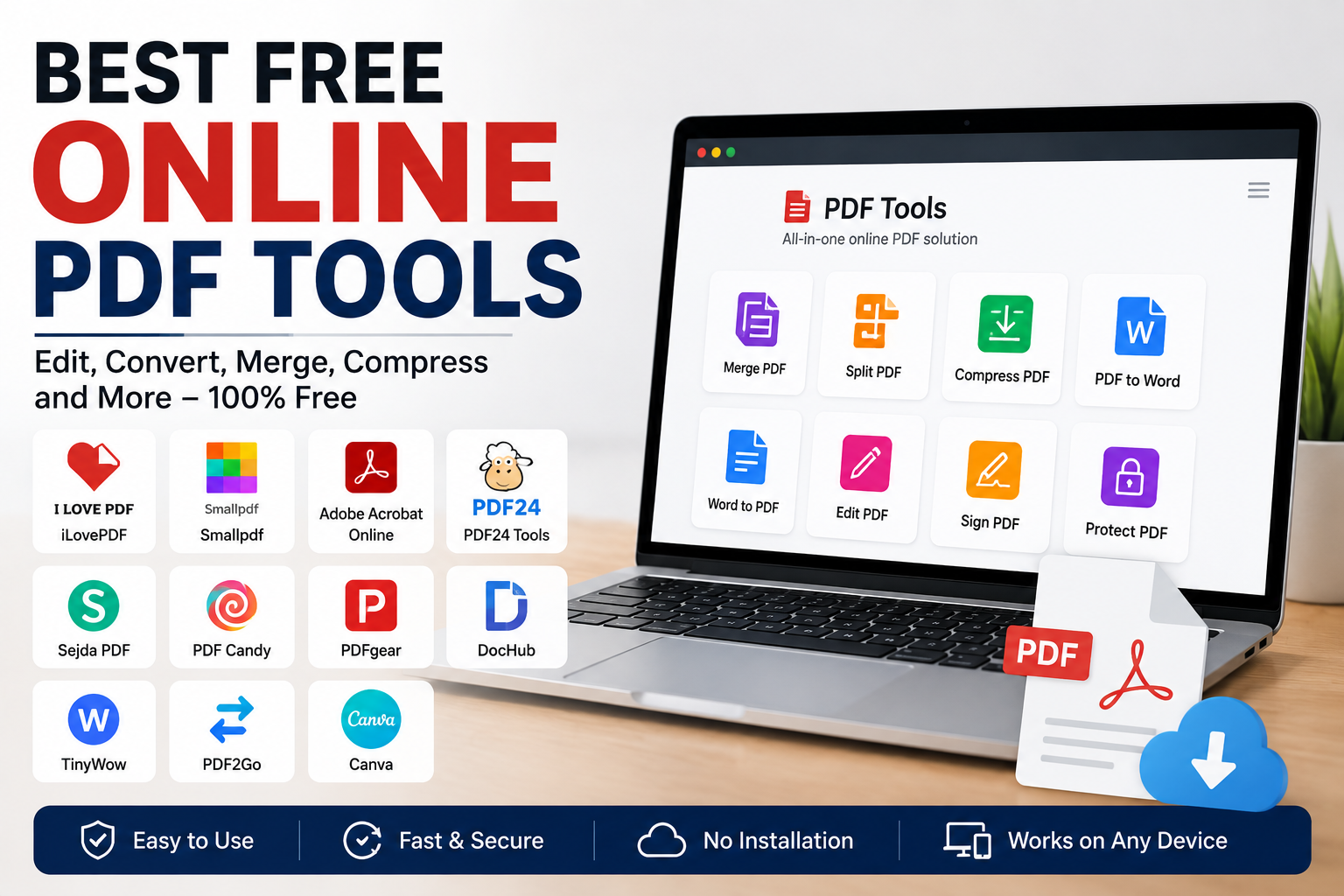
iLovePDF
iLovePDF has remained one of the most popular online PDF platforms for years.
It includes a wide collection of tools including merge, split, compress, convert, rotate, unlock, protect, watermark, repair, and organize PDF files.
I like its clean interface because everything is clearly organized. Even beginners can find the right tool within seconds.
The free version is suitable for everyday tasks, although it includes usage limits for some features.
Smallpdf
Smallpdf is another excellent choice for people who want a simple and attractive interface.
It offers PDF compression, editing, conversion, page organization, signing, and file protection.
What I appreciate most is how easy it is to use. Uploading files takes only a few seconds, and the processing speed is usually very good.
The free version has daily task limits, but it is more than enough for occasional users.
Adobe Acrobat Online
Adobe has always been associated with PDF documents.
Adobe Acrobat Online allows users to perform several PDF tasks directly from the browser without installing desktop software.
Users can convert files, organize pages, compress documents, and complete many basic PDF operations online.
If you already use Adobe products, this service fits naturally into your workflow.
Some advanced editing features require a paid subscription, but basic online tools remain useful for many users.
PDF24 Tools
PDF24 has become one of my favorite free PDF platforms.
It offers an impressive collection of tools including merge, split, compress, convert, edit, extract pages, and many more.
One thing I really like is that many of its tools remain completely free without forcing users toward premium subscriptions.
For people who regularly work with PDF documents, PDF24 is definitely worth trying.
Sejda PDF
Sejda is a great option when you need lightweight PDF editing.
Unlike many websites that only allow conversion, Sejda lets users edit text, fill forms, annotate documents, merge files, and perform several advanced tasks.
Its interface feels modern and easy to understand.
The free plan includes usage limits, but it works well for personal and occasional business use.
PDF Candy
PDF Candy offers a large collection of PDF utilities in one place.
Users can convert PDFs to Word, Excel, PowerPoint, JPG, PNG, and several other formats.
It also provides OCR, watermark tools, password protection, page extraction, image conversion, and editing features.
I like having so many tools available without needing multiple websites.
PDFgear
PDFgear has become increasingly popular because of its generous free features.
It provides editing, annotation, conversion, OCR, page management, and several other PDF functions.
Unlike many competitors, PDFgear focuses on providing useful features without placing unnecessary restrictions on users.
It is available both as an online service and as desktop software for those who prefer working offline.
DocHub
DocHub focuses mainly on editing and signing PDF documents.
If you frequently receive contracts, agreements, or forms that require signatures, DocHub makes the process much easier.
You can add signatures, text, highlights, comments, and form fields directly inside your browser.
Students and professionals often find this tool especially useful.
TinyWow
TinyWow has become a favorite for people looking for quick PDF editing.
Besides PDF tools, it also offers image, video, writing, and AI utilities.
I appreciate that the website keeps everything simple.
You upload your document, complete the task, and download the result without dealing with complicated menus.
For quick editing jobs, TinyWow works very well.
PDF2Go
PDF2Go combines PDF editing with file conversion and optimization.
Users can compress files, edit text, rotate pages, merge documents, split PDFs, and convert files between multiple formats.
Its interface is straightforward, making it suitable even for first time users.
Canva
Many people know Canva for graphic design, but it also supports PDF editing.
I often recommend Canva for users who want to redesign presentations, brochures, flyers, or marketing materials stored as PDF files.
Instead of simply editing text, Canva allows complete visual customization using templates, graphics, and design tools.
This makes it particularly useful for businesses and content creators.
Common Tasks You Can Perform
Most online PDF tools support a wide variety of tasks.
Merge multiple PDF files into one document.
Split large PDFs into smaller files.
Compress files for email attachments.
Convert PDF to Word or Word to PDF.
Rotate pages.
Delete unnecessary pages.
Rearrange page order.
Protect documents with passwords.
Unlock password protected PDFs when permitted.
Add digital signatures.
Fill online forms.
Convert images into PDFs.
These features eliminate the need for expensive desktop software in many situations.
Tips for Choosing the Right PDF Tool
Not every website is the best choice for every task.
If you mainly compress or merge files, iLovePDF and PDF24 are excellent options.
For editing and signing, Sejda or DocHub may be more suitable.
Adobe Acrobat Online is ideal if you already work within Adobe’s ecosystem.
Canva is better for creative PDF design projects.
Before uploading sensitive documents, always review the platform’s privacy policy and avoid using public computers for confidential files. Privacy practices differ between services, especially because many process files on their servers.
Benefits of Online PDF Tools
Online PDF services save both time and money.
There is no need to install large software packages.
Most tools work on Windows, Mac, Linux, Android, and iPhone.
Files can be processed from almost any device with an internet connection.
Automatic updates mean users always access the latest features without downloading new versions.
For occasional users, free online PDF tools are often more practical than purchasing expensive software.
Final Thoughts
Working with PDF files has become much easier thanks to modern online tools. Whether you need to merge documents, compress files, convert formats, edit pages, or sign important paperwork, there are excellent free options available.
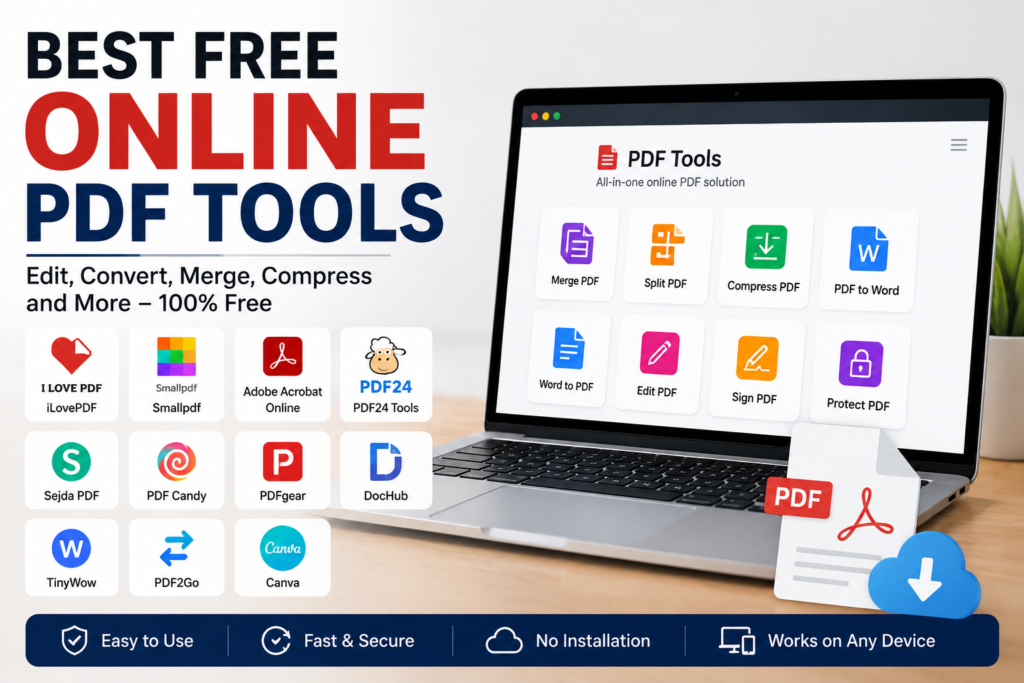
In my opinion, iLovePDF, Smallpdf, Adobe Acrobat Online, PDF24 Tools, Sejda, PDF Candy, PDFgear, DocHub, TinyWow, PDF2Go, and Canva are among the most useful online PDF platforms available in 2026. Each one has its own strengths, and choosing the right tool depends on the type of work you do most often.
Instead of installing multiple desktop applications, I now rely on these online PDF tools for most everyday tasks. They are fast, convenient, and easy to use, making them valuable resources for students, professionals, business owners, and anyone who works with digital documents regularly.