Keeping a Windows PC safe has become more important than ever. Every day, new viruses, ransomware attacks, phishing scams, and malicious software appear online. Whether you use your computer for work, study, gaming, or browsing the internet, protecting your personal files should always be a priority.
For a long time, I believed that good antivirus software always required a paid subscription. After trying several free antivirus programs, I realized that many of them provide excellent protection without costing anything. While premium versions include additional features, the free editions are often enough for everyday users who practice safe browsing habits.
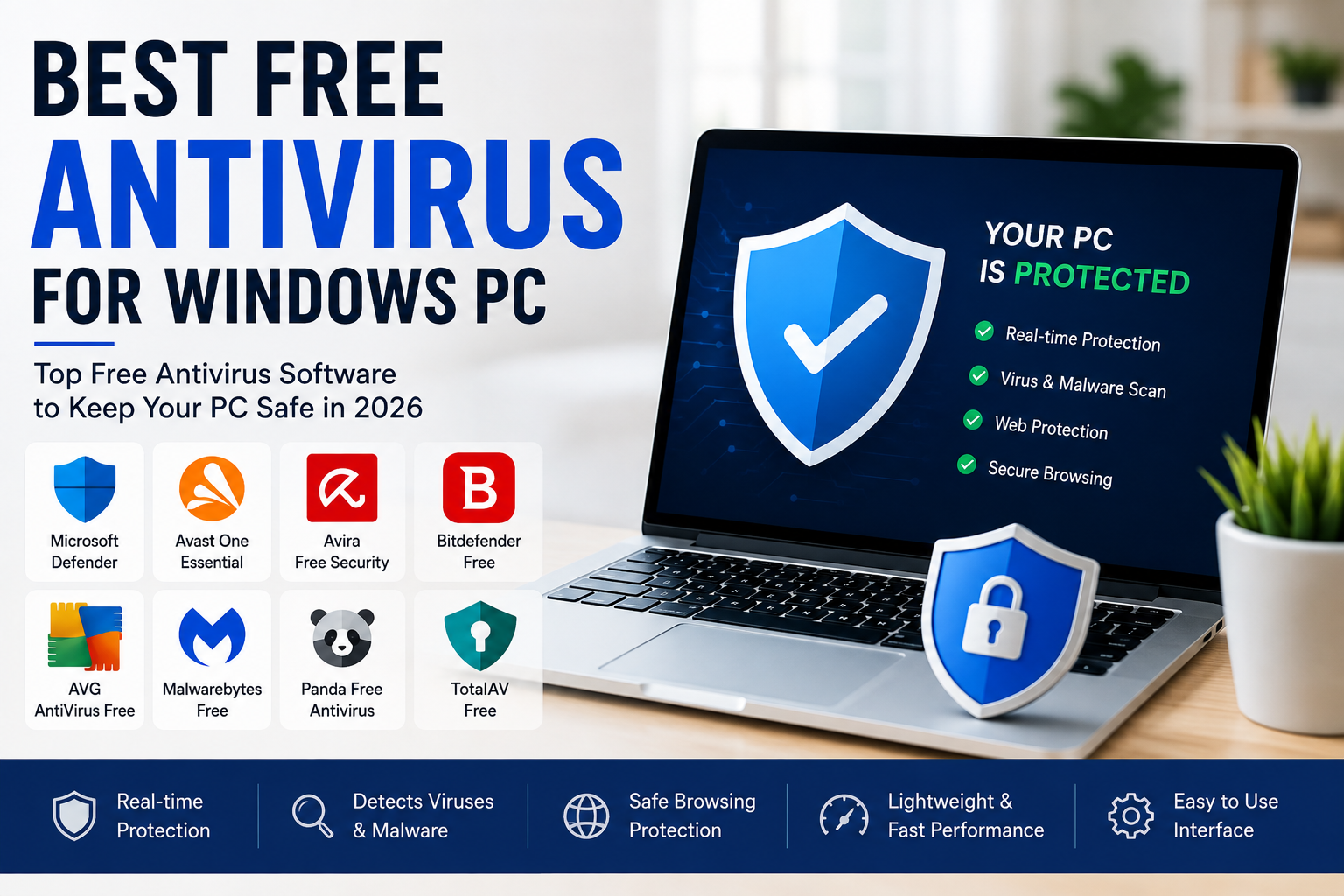
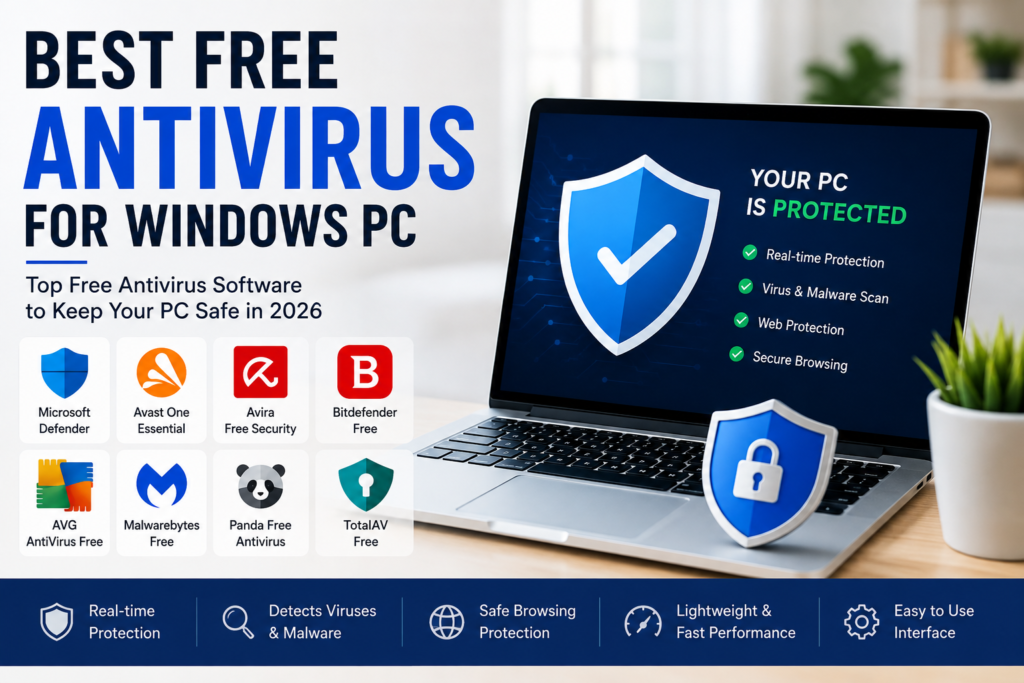
In this article, I will share some of the best free antivirus programs for Windows PCs in 2026. Each one has different strengths, so choosing the right option depends on your personal needs.
Why Every Windows PC Needs Antivirus Protection
Many people think they are safe simply because they do not visit suspicious websites. Unfortunately, cyber threats are everywhere.
A malicious email attachment, fake software download, infected USB drive, or phishing website can compromise your computer within minutes.
A reliable antivirus helps detect malware before it damages your files. It can also warn you about dangerous downloads and suspicious websites while keeping your system secure in the background.
Even if you are careful online, having antivirus software provides an important extra layer of protection.
Microsoft Defender
Microsoft Defender is already built into Windows, making it one of the easiest antivirus solutions available.
I like the fact that there is nothing to install. As soon as Windows is updated, Defender starts protecting your computer automatically.
It provides real time virus scanning, firewall protection, parental controls, and regular security updates through Windows Update.
For many users who simply browse the web, watch videos, work on documents, and use trusted software, Microsoft Defender offers solid everyday protection without any extra cost. Independent reviewers continue to recommend it as a strong built in option, though some third party tools offer additional layers of protection.
Avast One Essential
Avast One Essential remains one of the most popular free antivirus programs.
It offers malware protection, web security, ransomware protection, and additional privacy tools.
One feature I appreciate is its clean interface. Even beginners can understand how everything works without spending time learning advanced settings.
The free version also includes useful extras, although it may occasionally encourage users to upgrade to the paid version. Expert reviews continue to rank it among the top free choices.
Avira Free Security
Avira Free Security is another excellent choice for Windows users.
It provides real time virus protection while also including useful tools such as a password manager, limited VPN access, and system optimization features.
I found Avira to be lightweight, which means it does not slow down most computers during everyday use.
Its simple interface makes it suitable for both beginners and experienced users.
Bitdefender Free
Bitdefender has built a strong reputation for malware detection.
The free version focuses on providing essential antivirus protection while keeping system performance fast.
One thing I like about Bitdefender is that it quietly works in the background without constantly interrupting the user.
If your main goal is dependable malware protection with minimal distractions, Bitdefender Free is worth considering. Availability of the free version can vary by region and over time.
AVG AntiVirus Free
AVG AntiVirus Free continues to be a trusted option for Windows users.
It offers real time protection against viruses, spyware, ransomware, and other online threats.
The interface is easy to navigate, making it suitable for users who prefer straightforward security software.
Since AVG and Avast share similar antivirus technology, both deliver comparable levels of protection while offering slightly different user experiences.
Malwarebytes Free
Malwarebytes is slightly different from traditional antivirus software.
Instead of acting as a complete real time antivirus in its free version, it is excellent for scanning and removing malware that may already exist on your computer.
I often recommend keeping Malwarebytes as a second opinion scanner.
Running occasional scans can help detect threats that another security program may have missed.
Panda Free Antivirus
Panda Free Antivirus has become known for its cloud based scanning technology.
Because much of the scanning happens in the cloud, it places less pressure on your computer’s hardware.
It also offers USB protection and a rescue kit for cleaning infected systems.
For users with older computers, Panda can be a practical lightweight solution.
TotalAV Free
TotalAV has gained popularity thanks to its clean interface and easy setup.
The free version provides malware scanning along with basic protection tools.
Although many advanced features require a paid subscription, beginners often appreciate its simplicity and modern design. Some reviewers also rate it highly for malware detection.
Features to Look for in Free Antivirus
Choosing antivirus software should involve more than simply looking at the brand name.
Real time protection is one of the most important features because it blocks threats before they infect your system.
Regular virus definition updates help detect newly discovered malware.
Web protection helps prevent access to dangerous websites.
Low system impact ensures your computer continues running smoothly during scans.
A simple user interface also makes daily use much easier.
These features are more valuable than having dozens of advanced options you may never use.
Free Antivirus Versus Paid Antivirus
Many people ask whether free antivirus software is enough.
In my opinion, the answer depends on how you use your computer.
If you browse trusted websites, keep Windows updated, avoid suspicious downloads, and use strong passwords, a quality free antivirus is usually sufficient.
Paid antivirus programs generally include additional features such as unlimited VPN access, password managers, identity monitoring, advanced ransomware protection, encrypted storage, and premium customer support.
For businesses or people handling sensitive financial information, premium security software may provide extra peace of mind.
Tips to Keep Your Windows PC Safe
Installing antivirus software is only one part of staying secure.
Always keep Windows updated with the latest security patches.
Download software only from trusted websites.
Avoid clicking suspicious email attachments or unknown links.
Create strong passwords for important accounts.
Enable two factor authentication whenever possible.
Back up important files regularly to protect yourself from hardware failures or ransomware attacks.
These simple habits reduce the chances of becoming a victim of cybercrime.
Common Mistakes to Avoid
Some users install multiple antivirus programs at the same time.
This often causes software conflicts and may actually reduce protection.
Choose one main antivirus solution and keep it updated.
Another mistake is ignoring update notifications.
New malware appears every day, so outdated antivirus software cannot provide effective protection.
Finally, never assume antivirus software makes you completely invincible.
Safe browsing habits remain just as important as security software.
Final Thoughts
Protecting your Windows PC does not always require spending money. Today, several excellent free antivirus programs provide strong protection against viruses, malware, spyware, and online threats.
In my opinion, Microsoft Defender is an excellent choice for users who want built in security without installing additional software. Avast One Essential, Avira Free Security, Bitdefender Free, AVG AntiVirus Free, Malwarebytes Free, Panda Free Antivirus, and TotalAV Free also offer valuable protection depending on your individual needs and preferences.
The best antivirus is the one you keep updated and use alongside safe online habits. When combined with regular Windows updates, careful browsing, and strong passwords, a reliable free antivirus can help keep your computer secure while allowing you to work, study, browse, and enjoy your PC with greater confidence.