Remembering passwords has become one of the biggest challenges in today’s digital world. Most of us have accounts for email, social media, online banking, shopping websites, streaming services, and work platforms. Using the same password for every account might seem convenient, but it creates a huge security risk. After learning more about online safety, I realized that using a password manager is one of the smartest decisions anyone can make.
A password manager securely stores your passwords in one protected vault. Instead of remembering dozens of complicated passwords, you only need to remember one master password. Modern password managers can also generate strong passwords, automatically fill login forms, and help protect your online accounts from cyber threats.
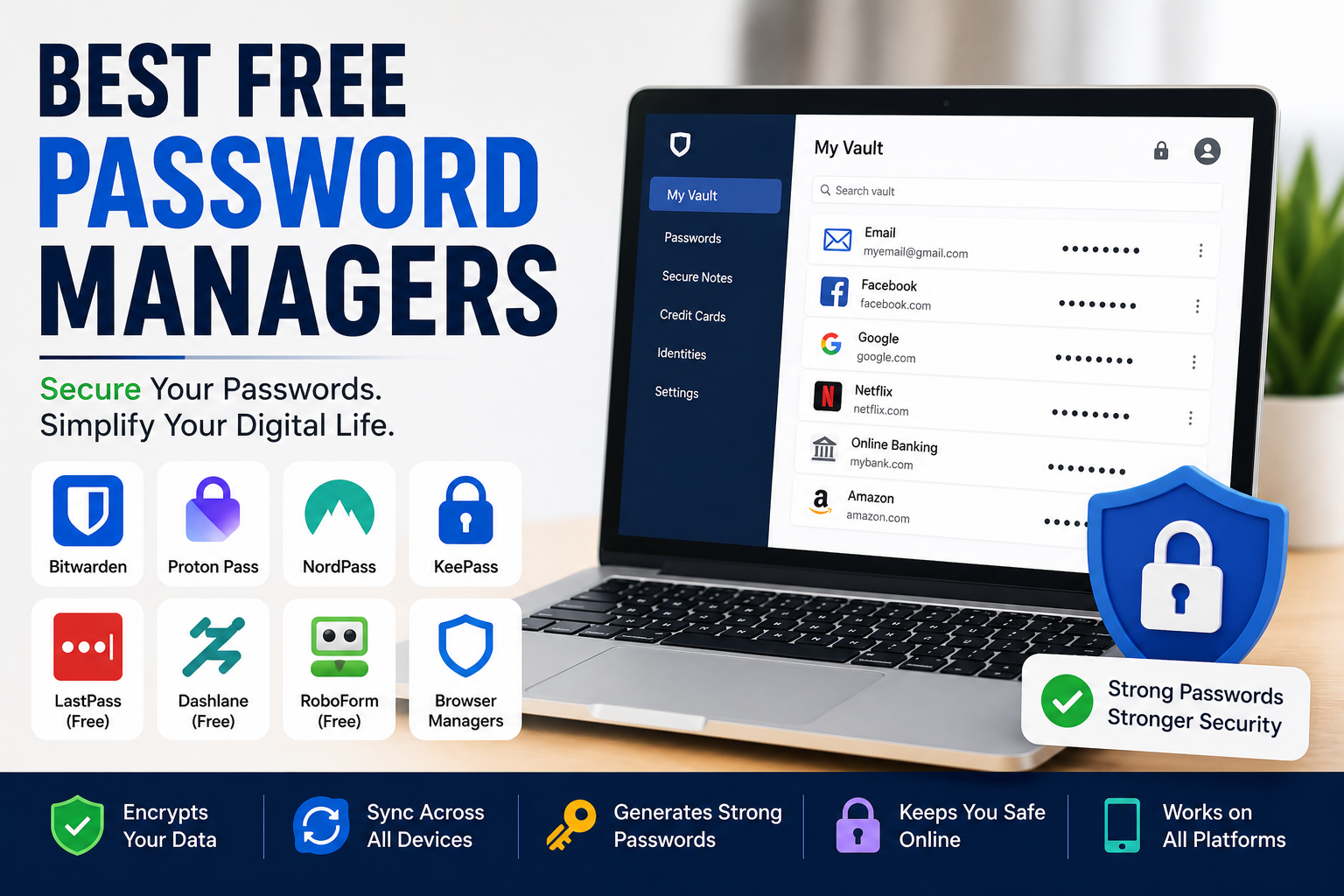
In this article, I will share some of the best free password managers available in 2026. These tools offer excellent security while making everyday online life much easier.
Why You Should Use a Password Manager
Many people still save passwords in notebooks, text files, or browser notes.
I used to think that was enough until I realized how risky it could be.
A password manager stores your login information using strong encryption, making it much harder for unauthorized users to access your accounts.
It also encourages you to create unique passwords for every website instead of reusing the same one repeatedly.
This simple habit greatly improves online security.
Bitwarden
Bitwarden is one of my favorite free password managers because it offers an excellent balance between security and features.
The free version includes unlimited password storage, password generation, secure notes, and synchronization across multiple devices.
Its interface is simple enough for beginners while still providing advanced security options for experienced users.
Bitwarden is also open source, which gives many users additional confidence because its code can be independently reviewed.
Proton Pass
Proton Pass has quickly become one of the most popular password managers.
Developed by the team behind Proton Mail, it focuses strongly on privacy and security.
The free version allows users to store passwords, create secure notes, and generate strong passwords.
I like its clean design and smooth experience across desktop and mobile devices.
For people who value privacy, Proton Pass is definitely worth considering.
NordPass
NordPass is another excellent password manager with an easy to use interface.
It securely stores passwords, payment information, personal notes, and other sensitive data.
The password generator creates strong random passwords within seconds.
Although some premium features require a subscription, the free version provides enough functionality for many everyday users.
Its simple design makes it especially suitable for beginners.
KeePass
KeePass is different from many cloud based password managers.
Instead of storing passwords online, it saves an encrypted database directly on your own device.
People who prefer complete control over their data often choose KeePass.
Although the interface looks more technical than some modern alternatives, it remains one of the most trusted free password managers available.
Its flexibility and strong security continue to attract advanced users.
LastPass Free
LastPass has been a well known name in password management for many years.
The free version includes secure password storage, password generation, and autofill features, although it has more limitations than it once did.
For users with relatively simple password management needs, it can still be a practical option.
Before choosing any password manager, it is always worth reviewing the current free plan because available features may change over time.
Dashlane Free
Dashlane is known for its modern interface and excellent user experience.
It helps users generate secure passwords, organize login credentials, and monitor password health.
The free version has certain limitations, but it still introduces users to many useful password management features.
Its security dashboard is particularly helpful for identifying weak or reused passwords.
RoboForm Free
RoboForm has been available for many years and remains a reliable option.
It securely stores passwords while also supporting form filling, password generation, and secure notes.
I appreciate how quickly it fills login forms across websites.
The interface is straightforward, making it suitable for users who want a simple password manager without unnecessary complexity.
Built In Browser Password Managers
Modern web browsers such as Google Chrome, Microsoft Edge, Mozilla Firefox, and Apple Safari all include built in password management features.
These can be convenient because passwords are automatically synchronized with your browser account.
However, dedicated password managers usually provide stronger security features, better organization, password health reports, secure sharing, and additional privacy options.
For people with many online accounts, dedicated password managers often offer a more complete solution.
Features to Look For
Not every password manager offers the same features.
Strong encryption should always be the highest priority.
Automatic password generation makes creating secure passwords much easier.
Cross device synchronization allows access from computers, smartphones, and tablets.
Secure notes provide a safe place to store important information.
Password health reports identify weak, reused, or compromised passwords.
Emergency access options may also be useful for trusted family members.
Choosing the right combination of features depends on your personal needs.
Benefits of Using Unique Passwords
One of the biggest advantages of password managers is that they encourage unique passwords for every account.
If one website experiences a security breach, your other accounts remain protected because they all use different passwords.
Without a password manager, remembering dozens of unique passwords would be almost impossible.
Automation makes this process simple while greatly improving online security.
Pair Your Password Manager with Two Factor Authentication
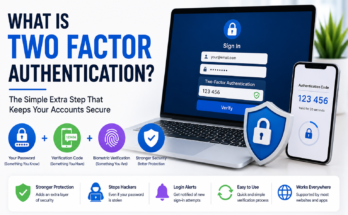
Even the strongest password becomes more secure when combined with two factor authentication.
Whenever possible, I recommend enabling this feature for important accounts.
After entering your password, you must verify your identity using a second method such as an authentication application or security key.
This extra verification step makes unauthorized access significantly more difficult.
Good Password Habits
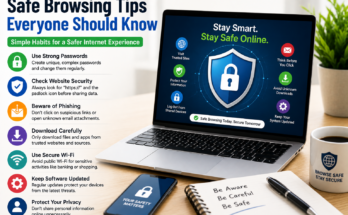
Using a password manager does not mean ignoring good security habits.
Keep your devices updated with the latest software.
Be cautious of phishing emails and suspicious websites.
Never share your master password with anyone.
Create a strong master password that is both long and unique.
Review your password vault occasionally and remove accounts you no longer use.
These simple habits strengthen your overall online security.
Choosing the Right Password Manager
The best password manager depends on your priorities.
If you want unlimited free features with excellent cross platform support, Bitwarden is a strong choice.
If privacy is your main concern, Proton Pass deserves serious consideration.
NordPass offers an excellent balance between simplicity and security.
KeePass is ideal for users who prefer local storage rather than cloud synchronization.
LastPass, Dashlane, and RoboForm each offer useful features that may suit different users depending on their requirements.
Trying several free options is often the best way to discover which interface and workflow you prefer.
Final Thoughts
Online security becomes more important every year, and strong passwords remain one of the best ways to protect personal information. However, remembering unique passwords for dozens of websites is unrealistic without assistance.
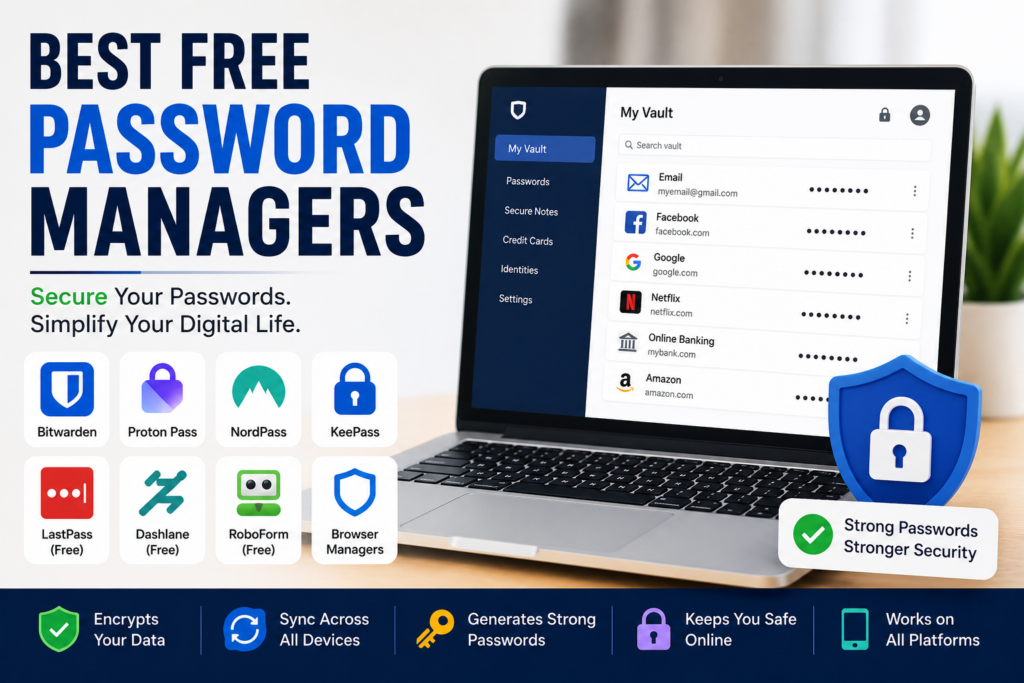
In my opinion, Bitwarden, Proton Pass, NordPass, KeePass, LastPass, Dashlane, and RoboForm are among the best free password managers available in 2026. Each one offers different strengths, but all help users create stronger passwords, organize login information, and improve overall digital security.
Using a password manager may seem like a small change, but it can dramatically reduce the risk of account theft and password reuse. Combined with two factor authentication and good online habits, it provides one of the strongest foundations for staying safe on the internet.