The internet has become a part of almost every aspect of our daily lives. We use it for shopping, banking, learning, entertainment, communication, and work. While the internet offers incredible convenience, it also creates risks for our personal information. I used to think that online privacy was only important for businesses or technology experts, but I eventually realized that everyone who uses the internet should care about protecting their personal data.
Every time we visit a website, create an account, or share information online, some of our data is collected. If we are not careful, that information can be misused by scammers, hackers, or even unreliable websites. The good news is that protecting your online privacy does not require advanced technical knowledge. A few simple habits can make a big difference.
In this article, I will explain how to protect your online privacy using practical tips that I personally follow every day.
Why Online Privacy Matters
Many people believe they have nothing to hide.
I used to think the same way until I realized how much personal information I share online every day.
Our email accounts, social media profiles, shopping history, banking information, photos, contacts, and personal conversations all exist in digital form.
If someone gains unauthorized access to this information, it can lead to identity theft, financial loss, or privacy violations.
Protecting your online privacy is about keeping control over your own personal information.
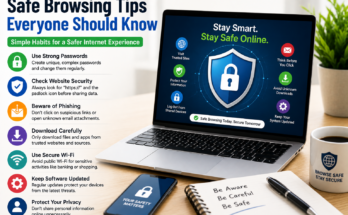
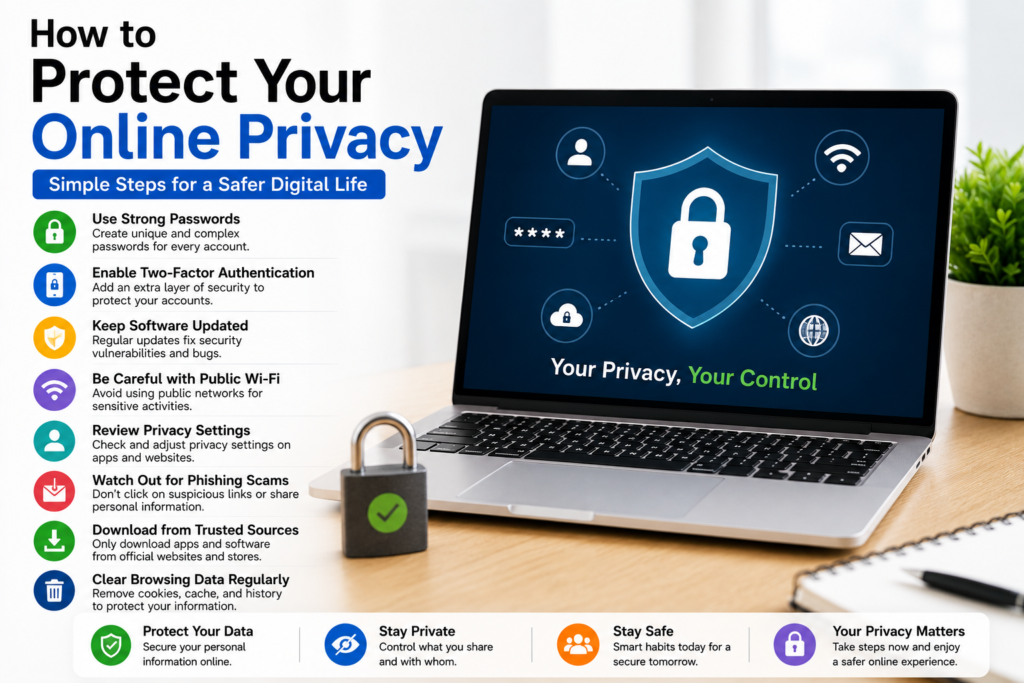
Use Strong and Unique Passwords
One of the easiest ways to improve online privacy is by creating strong passwords.
Avoid simple passwords like your name, birthday, or common number combinations.
Instead, create long passwords using a mixture of letters, numbers, and symbols.
I also avoid using the same password for multiple accounts.
If one account is compromised, the others remain protected.
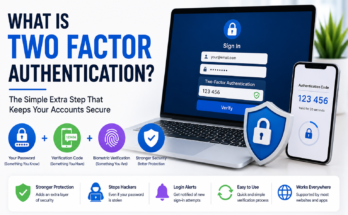
Enable Two Factor Authentication
Whenever possible, I enable two factor authentication.
This adds an extra security step during login.
Even if someone learns my password, they still need a second verification code before accessing my account.
This simple feature greatly reduces the risk of unauthorized access.
Keep Software Updated
Software updates are not only about new features.
They also fix security vulnerabilities that hackers may exploit.
I regularly update my computer, smartphone, web browser, and installed applications.
Keeping everything updated helps protect my personal information from known security threats.
Be Careful with Public WiFi
Public WiFi is convenient, but it is not always secure.
Whenever I connect to a public network, I avoid logging into banking websites or entering sensitive passwords.
If possible, I wait until I am using a trusted internet connection before accessing important accounts.
Being cautious on public networks helps reduce unnecessary risks.
Think Before Sharing Personal Information
Many people share more information online than they realize.
Before posting anything on social media, I ask myself whether the information is really necessary.
Details like home addresses, phone numbers, travel plans, financial information, and personal documents should never be shared publicly.
The less personal information available online, the better.
Review Privacy Settings
Most websites and social media platforms allow users to control who can see their information.
Whenever I create a new account, I spend a few minutes reviewing the privacy settings.
I limit profile visibility whenever possible and disable unnecessary data sharing features.
These small adjustments improve privacy significantly.
Download Apps Only from Trusted Sources
Installing software from unknown websites increases security risks.
I only download applications from official stores or trusted company websites.
Trusted sources are more likely to review applications for security issues before making them available.
This simple habit reduces the chance of installing harmful software.
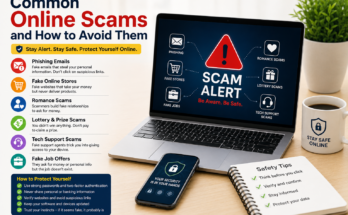
Watch Out for Phishing Scams
One of the biggest online threats today is phishing.
Scammers create fake emails, websites, and messages designed to steal passwords and personal information.
Whenever I receive an unexpected email asking me to click a link or provide sensitive information, I verify the sender before taking any action.
If something feels suspicious, I visit the company’s official website directly instead of using the provided link.
Avoid Clicking Unknown Links
Not every link on the internet is safe.
I never click links from unknown senders without checking where they lead.
Even messages that appear to come from friends can sometimes be fake if their accounts have been compromised.
Taking a few extra seconds to verify a link can prevent major problems.
Use Secure Websites
Before entering personal information online, I always check whether the website uses a secure connection.
Secure websites protect data while it travels between my device and the website.
This makes it much more difficult for attackers to intercept sensitive information.
Using secure websites is especially important for online shopping and banking.
Limit App Permissions
Many mobile applications request permissions that are not necessary.
I regularly review which apps have access to my camera, microphone, contacts, location, and storage.
If an application requests access that seems unrelated to its purpose, I deny the permission.
Only granting necessary permissions improves both privacy and security.
Log Out from Shared Devices
Whenever I use a public or shared computer, I always log out before leaving.
Remaining signed into personal accounts allows the next user to access my information.
Logging out takes only a few seconds but protects my accounts from unauthorized access.
Be Careful with Browser Extensions
Browser extensions can improve productivity, but they also gain access to browsing activity.
I only install extensions from trusted developers and remove those I no longer use.
Keeping fewer extensions reduces privacy risks.
Clear Browsing Data Occasionally
Web browsers store cookies, history, and cached files.
Although these features improve convenience, they also contain personal information.
I occasionally clear browsing data to reduce unnecessary stored information.
This also helps improve browser performance.
Backup Important Data
Protecting privacy also means protecting important information from accidental loss.
I regularly back up important files, photos, and documents to secure cloud storage or external drives.
Having backups provides peace of mind if something unexpected happens.
Avoid Oversharing on Social Media
Social media makes it easy to share daily activities.
However, sharing too much information can reveal personal habits, routines, and locations.
I avoid posting travel plans before returning home and limit the amount of personal information visible to strangers.
Privacy often begins with self control.
Monitor Account Activity
Many online services allow users to review login history.
I occasionally check whether there have been any unfamiliar login attempts.
If I notice suspicious activity, I immediately change my password and review my security settings.
Monitoring account activity helps detect problems early.
Lock Your Devices
Whether using a smartphone, tablet, or laptop, I always keep screen lock protection enabled.
If the device is lost or stolen, a strong password or biometric lock prevents immediate access to personal information.
This simple feature provides valuable protection.
Learn to Recognize Fake Websites
Scammers often create websites that closely resemble legitimate companies.
Before entering personal information, I carefully check the website address.
Small spelling differences can indicate a fake website.
Paying attention to these details helps avoid identity theft.
Keep Learning About Online Safety
Cybersecurity continues changing as new threats appear.
I regularly read about online safety and learn new privacy practices.
Staying informed helps me recognize new scams and adapt my security habits.
Learning never stops when it comes to protecting personal information.
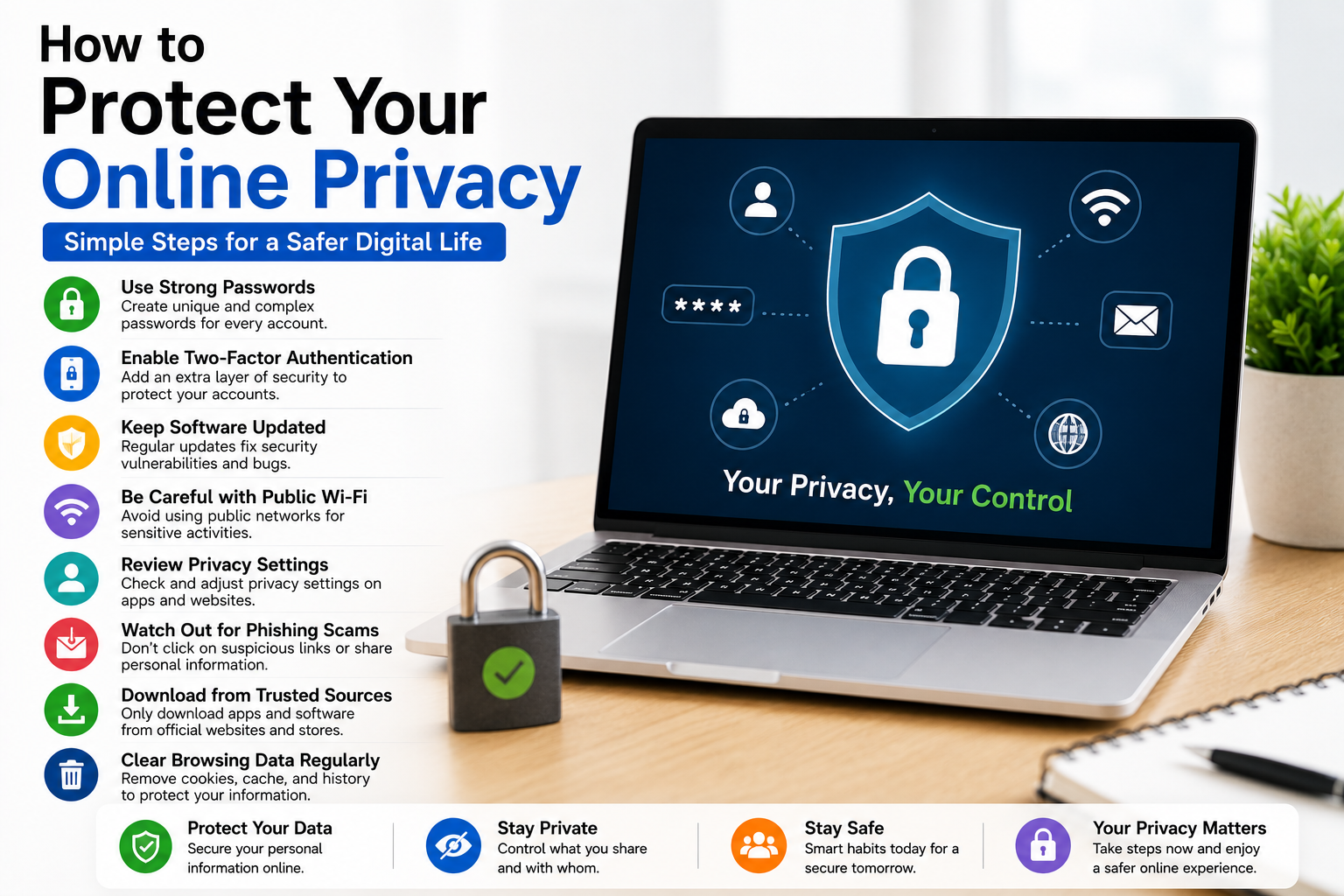
Good Privacy Habits Every Day
Protecting online privacy is not about one single action.
It is about developing consistent habits.
Use strong passwords.
Enable two factor authentication.
Keep software updated.
Review privacy settings.
Avoid suspicious links.
Download apps from trusted sources.
Limit personal information shared online.
These habits become easier over time and greatly improve online safety.
Common Privacy Mistakes
Many people accidentally reduce their own privacy by using weak passwords, sharing excessive personal information, ignoring software updates, clicking suspicious links, and installing unknown applications.
Avoiding these common mistakes immediately improves online protection.
Is Complete Online Privacy Possible?
In today’s digital world, complete privacy is difficult to achieve.
However, reducing unnecessary data sharing and following smart security habits significantly improves your protection.
The goal is not to disappear from the internet but to stay in control of your personal information.
Every small improvement makes a difference.
Final Thoughts
Learning how to protect your online privacy is becoming more important every year. As more of our personal information moves online, taking simple precautions can prevent many common security and privacy problems. Using strong passwords, enabling two factor authentication, updating software regularly, reviewing privacy settings, avoiding suspicious links, limiting app permissions, backing up important data, and thinking carefully before sharing personal information all contribute to a safer online experience.
I personally follow these habits because they are simple, practical, and effective. They do not require expensive software or advanced technical knowledge, yet they provide valuable protection for my personal information. By making online privacy part of your daily routine, you can browse the internet with greater confidence while keeping your digital life much more secure.