In today’s digital world, almost everything we do happens online. We use passwords to access email accounts, social media platforms, online banking, shopping websites, cloud storage, and even our work accounts. Despite this, many people still use weak passwords that can be guessed in seconds. I used to think that choosing a simple password made life easier, but after learning more about online security, I realized that a strong password is one of the most important steps in protecting personal information.
Cybercriminals are constantly looking for easy targets. Weak passwords make their job much easier, while strong passwords create a powerful barrier that helps keep your accounts safe. The good news is that creating a secure password is not difficult once you understand the basic principles.
In this article, I will share practical tips that I personally follow to create strong passwords and improve online security without making the process complicated.
Why Strong Passwords Matter
A password is often the first line of defense for your online accounts.
If someone gains access to your email account, they may also be able to reset passwords for your other accounts. This means one weak password can put multiple accounts at risk.
Strong passwords reduce the chances of unauthorized access and help protect your personal information, financial data, and private conversations.
Even if you think your accounts are not valuable, they can still be used for scams or identity theft.
Avoid Common Passwords
One of the biggest mistakes people make is choosing passwords that are easy to guess.
Simple combinations like 123456, password, qwerty, or your own name are among the first passwords attackers try.
Birthdays, phone numbers, favorite sports teams, and pet names are also common choices that should be avoided.
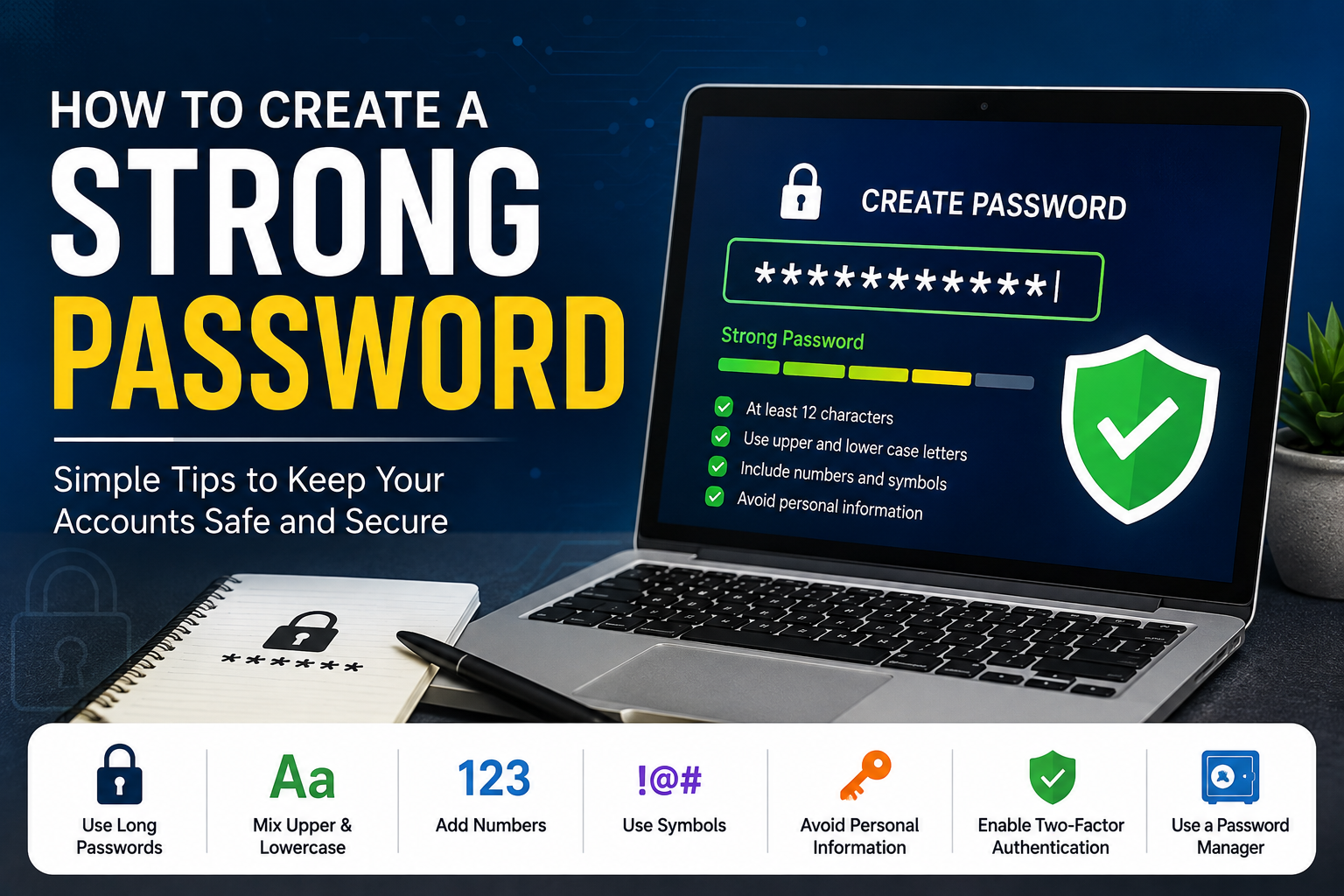
Whenever I create a password, I avoid using any personal information that someone could easily discover through social media.
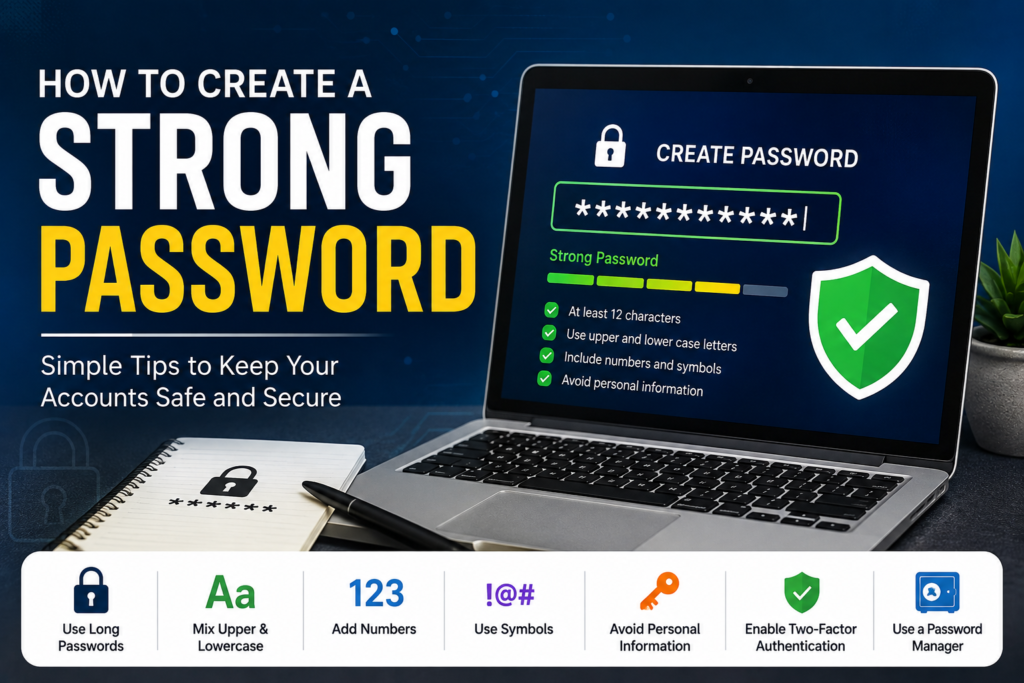
Use Long Passwords
Length is one of the most important factors in password security.
A longer password is generally much harder to crack than a short one.
I usually aim for at least twelve to sixteen characters whenever possible.
Many websites now allow even longer passwords, which provides even better protection.
The extra length makes automated guessing attacks much less effective.
Mix Different Types of Characters
A strong password should include a combination of uppercase letters, lowercase letters, numbers, and special characters.
For example, instead of using only letters, combining different character types creates a much stronger password.
This makes it significantly more difficult for attackers to guess or crack using automated tools.
However, randomness is more important than simply replacing letters with predictable symbols.
Consider Using Passphrases
One method I really like is creating passphrases.
Instead of choosing a single word, combine several unrelated words into one long phrase.
For example, imagine combining random objects, places, and actions into a memorable sentence.
Because the phrase is longer and more unpredictable, it becomes much stronger while remaining easier to remember than a completely random string of characters.
Never Reuse Passwords
Using the same password for multiple accounts is extremely risky.
If one website experiences a data breach, attackers often try the leaked password on other websites.
This means one compromised account can quickly lead to several others being hacked.
I always try to use a unique password for every important account, especially email, banking, and shopping services.
Enable Two Factor Authentication
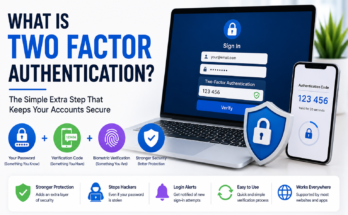
Even the strongest password becomes much more secure when combined with two factor authentication.
After entering your password, the website asks for an additional verification code from your phone, authentication application, or security key.
This extra step makes it much harder for unauthorized users to access your account, even if they somehow learn your password.
Whenever two factor authentication is available, I enable it immediately.
Use a Password Manager
Remembering dozens of unique passwords is almost impossible.
This is where password managers become incredibly useful.
They securely store passwords and generate strong random combinations for new accounts.
Instead of remembering every password, you only need to remember one secure master password.
Many password managers also warn users about weak, reused, or compromised passwords.
Change Passwords When Necessary
Some people believe passwords should be changed every month.
In reality, constantly changing strong passwords without a reason may encourage weaker choices.
Instead, I recommend changing passwords immediately if you suspect unauthorized access, receive a security warning, or learn about a website data breach.
Otherwise, a strong unique password combined with two factor authentication is often sufficient.
Be Careful with Public Computers
Logging into personal accounts on public computers increases security risks.
If you must use a shared computer, avoid saving passwords in the browser.
Always log out completely before leaving.
Whenever possible, use private browsing mode and avoid accessing sensitive accounts such as online banking.
Personally, I prefer using my own devices whenever dealing with important accounts.
Protect Your Email First
Your email account is often the most important account you own.
Since password reset links are usually sent by email, gaining access to your inbox may allow someone to control many of your other accounts.
For this reason, I always use my strongest password for email and enable two factor authentication.
Protecting your email provides an extra layer of security for everything connected to it.
Watch Out for Phishing Scams
Even the strongest password cannot protect you if you accidentally give it to criminals.
Phishing websites are designed to look almost identical to legitimate websites.
Before entering your password, always check the website address carefully.
Avoid clicking suspicious links received through emails, text messages, or social media.
When in doubt, visit the official website directly instead of using the provided link.
Keep Your Devices Secure
A secure password is only one part of online safety.
Keeping your computer and smartphone updated helps protect against security vulnerabilities.
Install software updates regularly.
Use trusted antivirus software on your computer.
Lock your devices with a PIN, password, fingerprint, or facial recognition.
These additional security measures help protect your accounts even if your device is lost or stolen.
Avoid Sharing Passwords
Sharing passwords with friends, coworkers, or family members increases security risks.
Even trusted people may accidentally expose your credentials.
If account sharing is necessary, some password managers allow secure password sharing without revealing the actual password.
Whenever possible, avoid sending passwords through email or messaging applications.
Check for Data Breaches
Sometimes websites experience security incidents that expose user information.
Several online services allow users to check whether their email addresses have appeared in known data breaches.
If one of your accounts is affected, change the password immediately and review other accounts that may use similar credentials.
Regular monitoring helps reduce long term security risks.
Good Password Habits
Developing good security habits is just as important as creating strong passwords.
Review your important accounts occasionally.
Remove accounts you no longer use.
Keep recovery information up to date.
Store backup codes for two factor authentication in a safe location.
Teach family members about online safety, especially children and older adults who may be less familiar with modern cyber threats.
Small habits make a big difference over time.
Final Thoughts
Creating a strong password is one of the simplest yet most effective ways to protect your online accounts. It requires only a few extra minutes but can prevent serious problems such as identity theft, financial loss, and unauthorized access.
In my opinion, the best password combines length, uniqueness, and randomness. Using different passwords for every account, enabling two factor authentication, avoiding predictable information, and using a trusted password manager together create a much stronger security strategy.
The internet continues to evolve, and cyber threats become more advanced every year. Fortunately, strong passwords remain one of the most reliable defenses available. By following these simple practices, you can enjoy greater peace of mind knowing that your personal information is much better protected against online attacks.