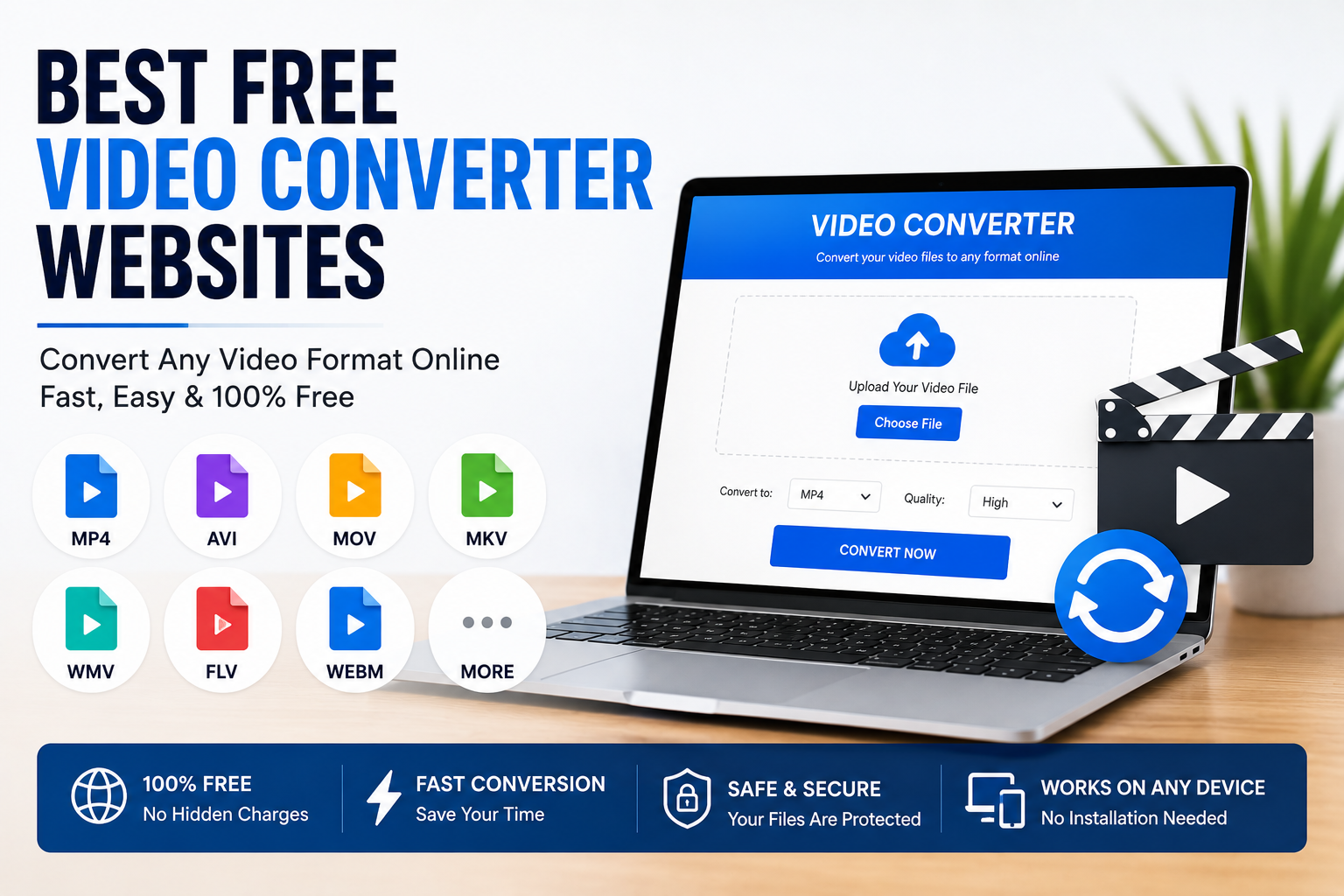
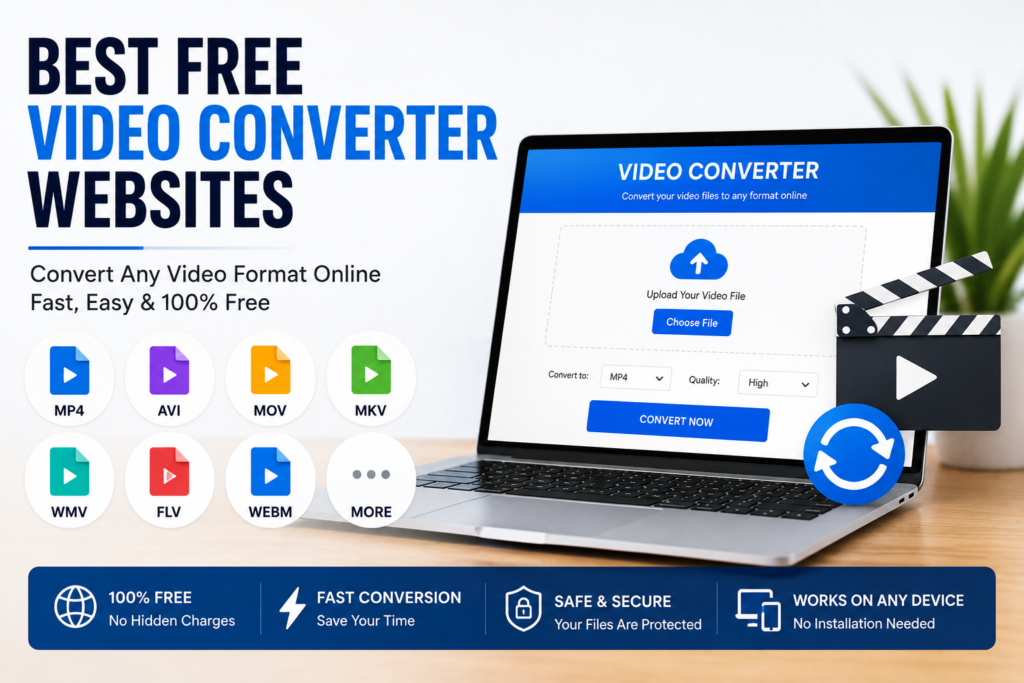
Video files come in many different formats, and sometimes they simply do not work on every device. I have personally faced situations where a video played perfectly on my computer but refused to open on my phone or television. Instead of downloading heavy software every time, I started using online video converter websites. They are simple, fast, and work directly in the browser.
Over the past few years, online video converters have become much more powerful. Most of them support popular formats like MP4, MOV, AVI, MKV, WebM, WMV, FLV, and many others. Some even allow users to adjust video quality, resolution, frame rate, and audio settings before downloading the converted file.
In this article, I will share some of the best free video converter websites in 2026 that I believe are worth trying. Each platform has its own advantages, so choosing the right one depends on your specific needs.
Why Use an Online Video Converter
One of the biggest advantages of online video converters is convenience.
There is no need to install software or worry about system compatibility. Everything works directly inside a web browser.
Whether you are using Windows, Mac, Linux, Android, or an iPhone, you can usually upload your file, choose the desired format, and download the converted version within minutes.
This makes online converters ideal for students, professionals, content creators, and anyone who occasionally needs to convert video files.
CloudConvert
CloudConvert has earned a strong reputation because it supports hundreds of different file formats, including video, audio, documents, images, and more.
I like how clean and professional the website feels. It also allows users to customize output settings such as video resolution, codec, bitrate, frame rate, and quality before starting the conversion.
Another advantage is its support for cloud storage services like Google Drive and Dropbox.
The free version works well for occasional users, although it includes daily conversion limits.
FreeConvert
FreeConvert is another excellent website for converting videos online.
Its interface is beginner friendly, making it easy to upload files and select output formats.
Besides video conversion, it also includes compression tools and supports audio, images, and documents.
I appreciate how simple the entire process is, especially when converting common formats like MP4, AVI, MOV, and MKV.
Large files may be limited under the free plan, so checking the current upload limits is always a good idea.
Convertio
Convertio has remained one of the most popular online converters for many years.
It supports dozens of video formats and allows files to be uploaded from your computer, Google Drive, Dropbox, or direct URLs.
One feature I like is its ability to modify video settings before conversion.
Users can adjust codec, aspect ratio, quality, rotation, and several other options without needing advanced technical knowledge.
Its free plan is suitable for smaller projects, while larger files may require an upgrade.
Online Convert
Online Convert is ideal for users who want more control over their video conversions.
Instead of simply changing formats, it allows users to modify resolution, file size, bitrate, frame rate, screen size, and audio quality.
This makes it useful for preparing videos for websites, social media platforms, smartphones, or older devices.
Although the interface contains many options, beginners can still use the default settings for quick conversions.
Zamzar
Zamzar has been available for many years and remains a reliable choice.
The website focuses on simplicity.
Users upload a file, select the desired output format, and wait for the conversion to finish.
I think Zamzar is perfect for people who only need occasional file conversions without learning advanced settings.
Its free version works well for smaller files, while premium plans unlock larger uploads and additional features.
Video Candy
Video Candy combines video conversion with several editing tools.
Besides changing formats, users can trim videos, compress files, rotate clips, merge videos, add subtitles, and perform basic editing directly in the browser.
For beginners who want several video tools in one place, this website offers a convenient solution.
Media.io
Media.io provides a clean and modern interface for online video conversion.
It supports many popular video formats and also includes tools for audio conversion, image editing, and AI powered features.
I like its simple design because even first time users can understand how everything works within minutes.
The free version is suitable for everyday conversions.
VEED
VEED is well known as an online video editor, but it also offers video conversion capabilities.
Content creators often use VEED because they can convert videos and edit them on the same platform.
Features like subtitles, cropping, resizing, and trimming make it useful for YouTube, Instagram, TikTok, and other social media platforms.
Kapwing
Kapwing has become another favorite among creators.
Instead of only converting videos, it provides editing, subtitle generation, resizing, compression, and collaboration tools.
Students and businesses often use Kapwing for presentations and educational videos because everything can be completed inside a browser.
Clideo
Clideo offers a collection of online video tools including format conversion.
The website is designed for simplicity.
Uploading, converting, and downloading videos takes only a few steps.
It also includes video merging, resizing, looping, compression, and subtitle support.
For people who want a straightforward experience, Clideo is a solid option.
Things to Consider Before Choosing a Converter
Not every video converter is the same.
Some focus on speed.
Others provide advanced customization options.
Certain websites support larger files, while others have daily usage limits.
Privacy is another important consideration because many online converters temporarily upload files to their servers during processing.
If you regularly convert confidential videos, reviewing the website’s privacy policy is always a smart decision.
Tips for Faster Video Conversion
Uploading large video files may take time depending on your internet connection.
Compressing videos before uploading can sometimes reduce waiting time.
If the converter allows quality adjustments, selecting reasonable output settings may also speed up processing.
Keeping your browser updated can improve compatibility and overall performance.
For very large projects, desktop software may be more suitable than browser based services.
Common Video Formats
MP4 remains the most widely supported format.
MOV is commonly used by Apple devices.
AVI is an older format that still works with many applications.
MKV is popular because it supports multiple audio tracks and subtitles.
WebM is frequently used for websites and online streaming.
WMV appears mostly on older Windows systems.
Understanding these formats makes it easier to choose the right conversion settings for your needs.
Final Thoughts
Online video converters have made file conversion much easier than it used to be. Instead of installing large software packages, users can now convert videos directly from their web browser within minutes.
In my opinion, CloudConvert, FreeConvert, Convertio, Online Convert, Zamzar, Video Candy, Media.io, VEED, Kapwing, and Clideo are among the best free video converter websites available in 2026. Each platform offers different strengths, whether you need quick format conversion, advanced customization, or built in editing features.
The best choice depends on the type of videos you work with and how often you convert files. If you only need occasional conversions, free online tools are usually more than enough. For larger projects or professional work, exploring premium plans or desktop software may provide additional flexibility. No matter which option you choose, these websites make converting videos faster, easier, and more convenient than ever before.