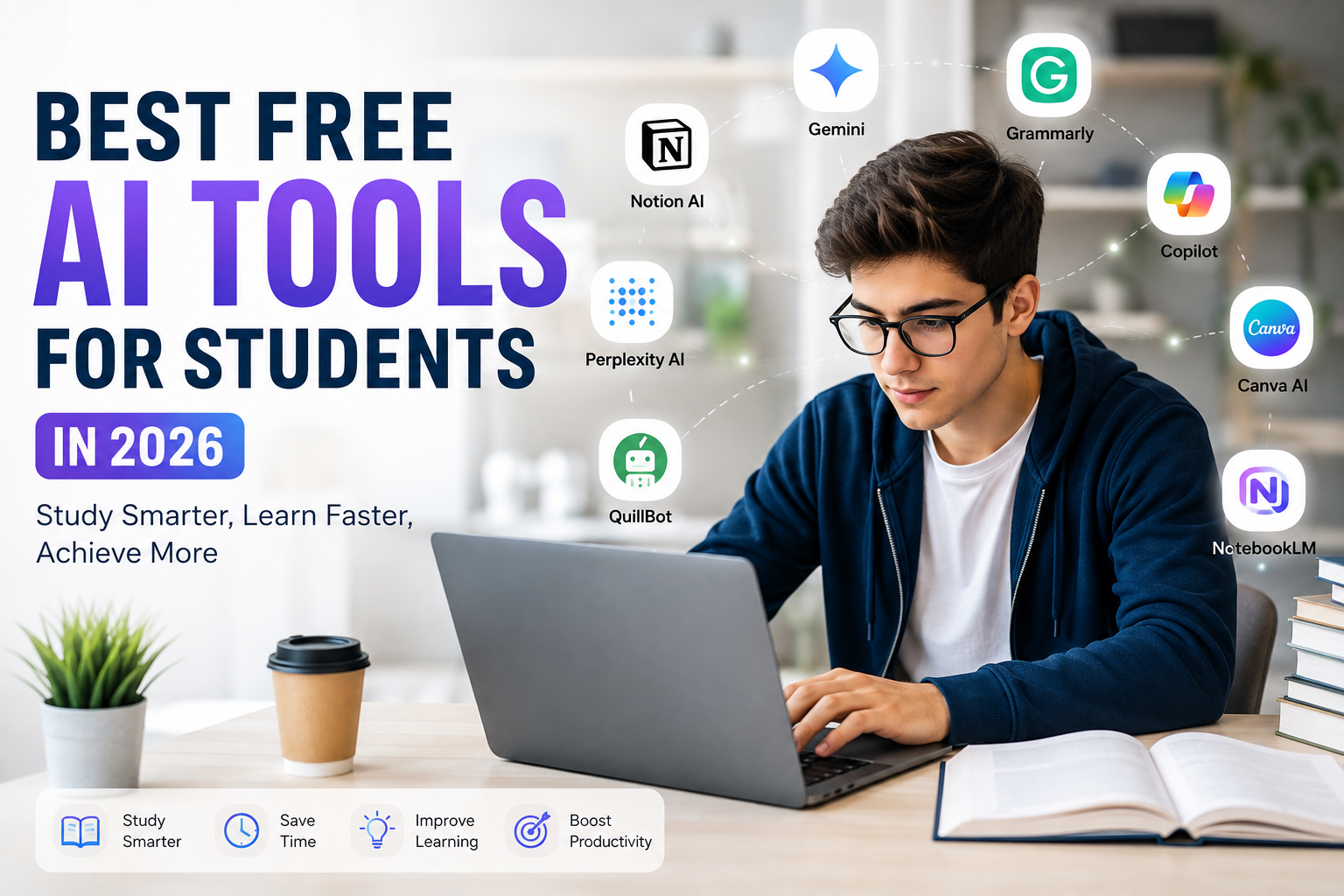
Technology has changed the way students learn, and in 2026 artificial intelligence has become one of the biggest reasons behind this transformation. A few years ago, many students believed AI was only useful for programmers or large companies. Today, almost every student can use free AI tools to save time, improve learning, and become more productive without spending money.
As a student, I believe AI should never replace learning. Instead, it should help us understand difficult concepts faster, organize our work, and give us more time to focus on real learning. The best thing about today’s AI tools is that many of them offer powerful free plans that are more than enough for school, college, and university students.
If you know which AI tools to use and how to use them responsibly, studying becomes easier, assignments become better organized, and research takes much less time. Here are the best free AI tools that every student should consider using in 2026.
ChatGPT
ChatGPT continues to be one of the most useful AI tools for students. Whether you need help understanding mathematics, science, history, programming, or literature, it can explain topics in simple language.
I personally like using ChatGPT when I get stuck on a difficult lesson. Instead of reading the same paragraph repeatedly, I ask questions until I completely understand the topic. It feels like having a personal tutor available whenever I need one.
Students can also use ChatGPT to brainstorm essay ideas, summarize long chapters, prepare interview questions, create study schedules, practice language learning, and generate quizzes for self testing.
The key is to use it as a learning assistant instead of copying answers directly.
Google Gemini
Google Gemini has become another excellent AI assistant for students. Since it works closely with Google’s ecosystem, it is especially useful for research and information gathering.
Students can ask questions, organize research, create outlines, and understand complex topics quickly. Gemini also works well with Google Docs, making it easier to write reports and edit assignments.
Its free version provides enough features for most students who need daily academic assistance.
Microsoft Copilot
Microsoft Copilot is a great option for students who frequently use Microsoft Word, Excel, and PowerPoint.
Creating presentations becomes much easier because Copilot can suggest layouts, improve writing, summarize documents, and help organize information professionally.
For students who regularly prepare class presentations, this tool can save several hours every week.
Grammarly
Writing assignments is part of every student’s life. Grammarly remains one of the most trusted AI writing assistants available.
The free version checks grammar, punctuation, spelling, and sentence clarity. It also suggests better wording without changing your original meaning.
I always recommend proofreading assignments before submitting them because small grammar mistakes can reduce overall quality even if your research is excellent.
Grammarly helps students submit cleaner and more professional work.
Perplexity AI
Perplexity AI has become one of my favorite research assistants.
Unlike many AI chatbots, it provides sources with its answers, allowing students to verify information easily.
Instead of opening dozens of websites, students can receive summarized explanations while still checking where the information comes from.
This makes research faster while encouraging responsible learning.
Canva AI
Presentations and visual projects are much more attractive with Canva AI.
Students can create posters, presentations, infographics, social media graphics, certificates, resumes, and educational visuals without needing graphic design experience.
The free version includes many AI powered design features that automatically improve layouts, suggest colors, generate images, and create professional looking templates.
Even beginners can create impressive classroom projects within minutes.
Notion AI
Many students struggle with organization more than studying itself.
Notion AI helps organize notes, assignments, deadlines, lecture summaries, and personal study plans in one place.
Instead of maintaining multiple notebooks, everything stays organized digitally.
Students can also generate summaries, rewrite notes, create task lists, and keep track of project deadlines efficiently.
Good organization often leads to better academic performance.
QuillBot
Paraphrasing is an important skill, especially when writing research papers.
QuillBot helps students rewrite sentences naturally while preserving the original meaning.
It also offers grammar checking, summarizing, and citation support.
I believe every student should first understand the content before paraphrasing it because real learning comes from comprehension rather than rewriting.
Used responsibly, QuillBot can improve writing quality significantly.
NotebookLM
NotebookLM has become increasingly popular among students because it allows users to upload their own study materials.
Students can upload lecture notes, PDFs, textbooks, and research papers, then ask questions based only on those documents.
Instead of searching through hundreds of pages manually, NotebookLM quickly finds relevant information from uploaded content.
This is especially useful before exams when revision time is limited.
Otter AI
Taking notes during lectures can sometimes be difficult, especially when teachers explain topics quickly.
Otter AI automatically records and transcribes lectures into searchable notes.
Students can later review important discussions without worrying about missing key information during class.
The free version offers enough transcription for many students who attend regular lectures.
DeepL Translator
Students learning foreign languages or reading international research papers can benefit from DeepL Translator.
Its translations often sound more natural than traditional translation tools.
It supports multiple languages while maintaining sentence quality and context.
Language learners can also compare translations to improve vocabulary and grammar understanding.
Gamma
Creating presentations usually takes a lot of time.
Gamma uses AI to generate professional presentations from simple prompts.
Students only need to provide the topic, and Gamma creates visually appealing slides that can later be customized.
This saves time while allowing students to focus on improving presentation content rather than spending hours designing slides.
ElevenLabs
Students working on multimedia projects can use ElevenLabs for realistic AI voice generation.
It is useful for educational videos, presentations, language practice, storytelling projects, and accessibility purposes.
The free plan allows students to experiment with natural sounding voices without investing in expensive recording equipment.
Wolfram Alpha
Mathematics and science students still find Wolfram Alpha incredibly useful.
It solves equations while explaining intermediate steps, making it easier to understand the solving process.
Subjects like algebra, calculus, statistics, chemistry, and physics become less intimidating when students can see detailed solutions instead of only final answers.
Learning the process is far more valuable than memorizing answers.
How Students Should Use AI Responsibly
Although AI is incredibly powerful, students should use it wisely.
The purpose of AI is to improve understanding, not replace thinking.
Always verify important information before using it in assignments.
Avoid submitting AI generated content without reviewing it carefully.
Use AI to learn concepts, organize ideas, practice skills, and improve writing instead of depending on it for every task.
Teachers appreciate students who understand topics deeply rather than simply copying generated answers.
Responsible use also helps students develop critical thinking, creativity, and problem solving skills that remain valuable throughout life.
Tips for Getting Better Results from AI
Learning how to ask better questions can significantly improve AI responses.
Be specific about your topic.
Mention your education level if you need explanations.
Ask AI to explain concepts step by step.
Request examples when learning difficult subjects.
Double check facts from trusted academic sources.
Combine multiple AI tools instead of relying on only one platform.
Practice what you learn instead of only reading AI generated explanations.
These habits help students gain real knowledge while making the most of modern technology.
Final Thoughts
Artificial intelligence has become one of the most valuable learning companions for students in 2026. The best part is that many powerful AI tools are completely free and accessible to anyone with an internet connection.
From ChatGPT and Gemini to Grammarly, Canva AI, Notion AI, Perplexity AI, NotebookLM, and Wolfram Alpha, every tool serves a different purpose. Some improve writing, others simplify research, while several help organize study materials or create impressive presentations.
In my opinion, students who learn how to use AI responsibly will have a significant advantage throughout their academic journey. AI cannot replace curiosity, dedication, or hard work, but it can certainly make learning faster, more enjoyable, and far more efficient.
Instead of fearing artificial intelligence, students should embrace it as a supportive learning partner. By combining personal effort with the right free AI tools, achieving better grades, stronger understanding, and improved productivity becomes much more realistic in today’s rapidly evolving educational world.