Keeping online accounts secure has become more important than ever. Every day, millions of people log into their email accounts, social media platforms, online banking services, shopping websites, and cloud storage. Most people think that having a strong password is enough to protect their accounts, but unfortunately, that is not always true. Passwords can sometimes be stolen through phishing attacks, malware, or data breaches. That is where Two Factor Authentication becomes one of the best security features available.
When I first heard about Two Factor Authentication, I thought it sounded complicated. After enabling it on my own accounts, I realized that it only adds one extra step during login while providing a huge improvement in security. It takes only a few seconds but can prevent unauthorized access even if someone knows your password.
In this article, I will explain what Two Factor Authentication is, how it works, why it is important, and why I believe everyone should enable it on their most important online accounts.
What Is Two Factor Authentication
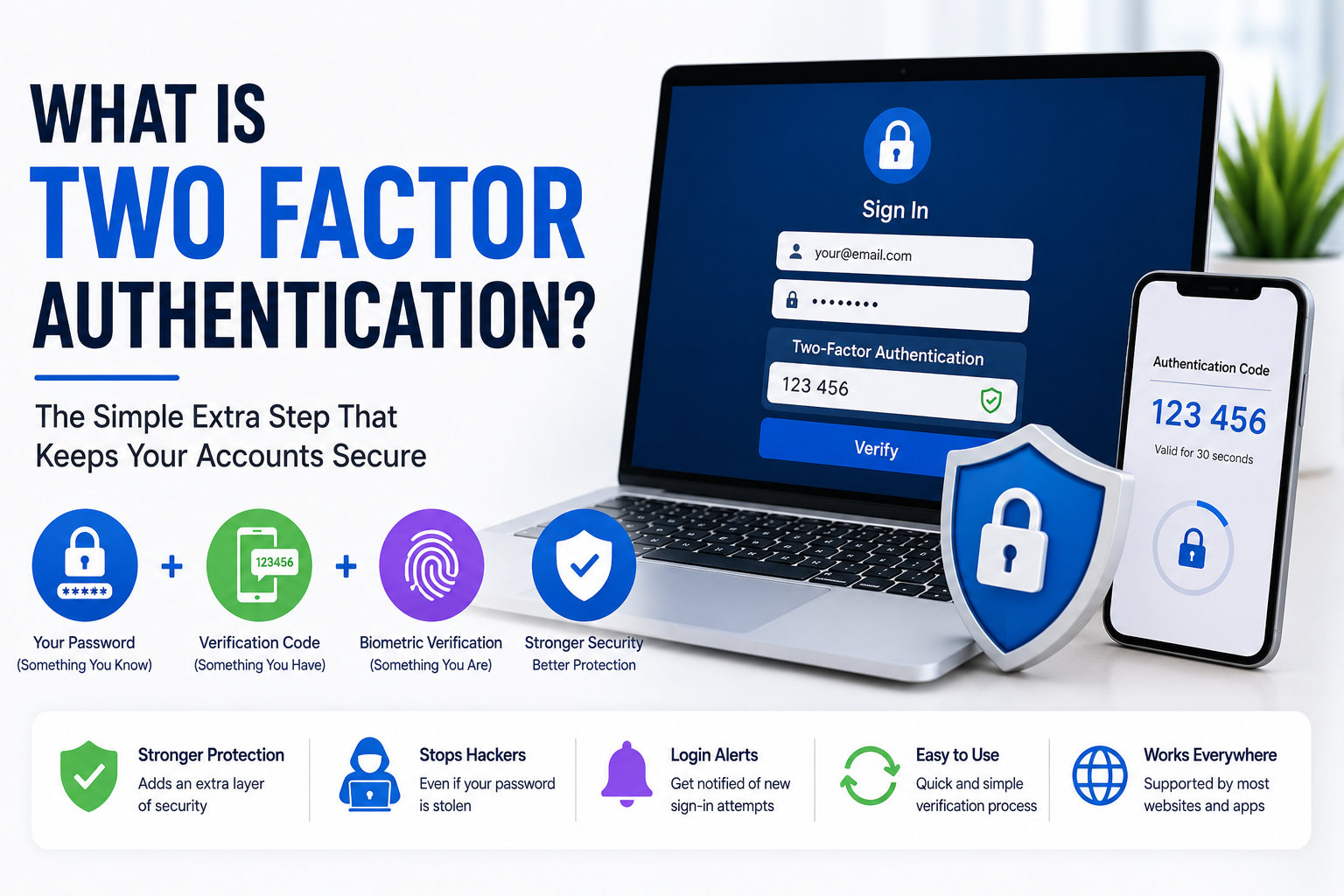
Two Factor Authentication, often called 2FA, is an additional security layer used to protect online accounts.
Normally, logging into an account requires only a username and password. With Two Factor Authentication enabled, you must also complete a second verification step before access is granted.
This means that even if someone steals your password, they still cannot log into your account without the second authentication factor.
That extra layer of protection makes online accounts much more secure.
How Two Factor Authentication Works
The login process is simple.
First, you enter your username or email address along with your password.
If the password is correct, the website asks for a second verification method.
This could be a temporary code sent to your phone, a code generated by an authentication application, a security key, or biometric verification depending on the service.
Only after both steps are completed will you gain access to your account.
I like this system because it protects accounts even if passwords become compromised.
The Three Authentication Factors
Authentication generally falls into three categories.
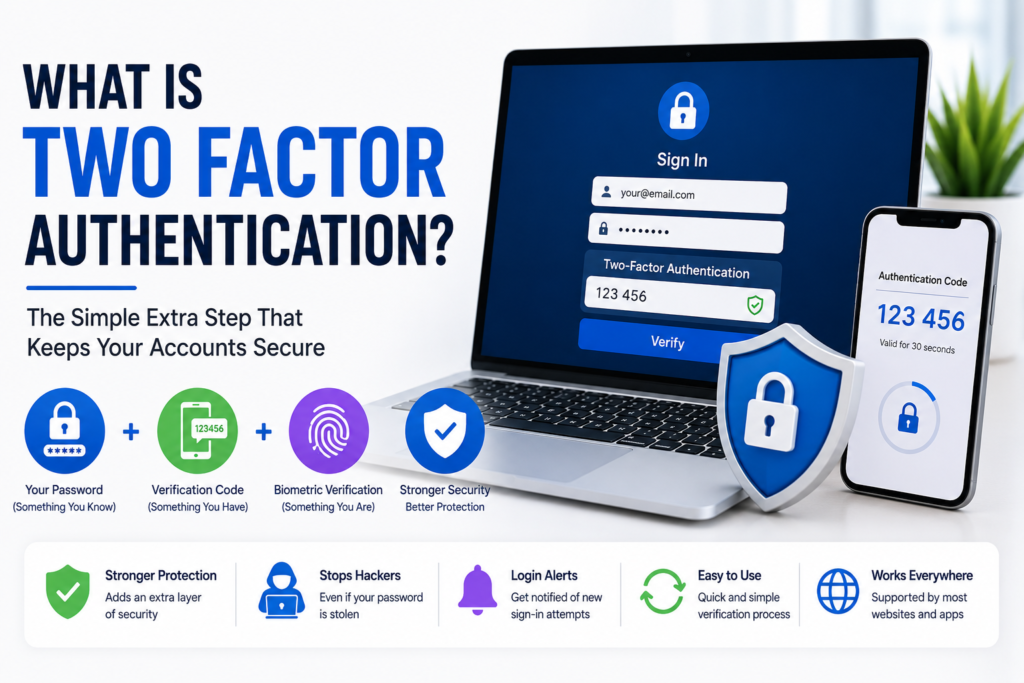
The first is something you know, such as your password or PIN.
The second is something you have, such as your smartphone, authentication application, or physical security key.
The third is something you are, including fingerprints or facial recognition.
Two Factor Authentication combines two different categories instead of relying on only one.
This greatly increases account security.
Why Two Factor Authentication Is Important
Passwords alone are no longer enough to stop many cyber attacks.
Data breaches happen regularly, exposing millions of passwords.
Some people also accidentally reuse the same password across multiple websites.
If one account becomes compromised, attackers often try the same password elsewhere.
With Two Factor Authentication enabled, stolen passwords become far less useful because attackers still need the second verification method.
That extra requirement stops many unauthorized login attempts.
Common Types of Two Factor Authentication
Several verification methods are commonly used today.
Text message verification sends a temporary code to your mobile phone.
Authentication applications generate changing security codes every few seconds.
Push notifications allow users to approve login requests directly from their phones.
Hardware security keys provide one of the strongest forms of authentication by requiring a physical device.
Some services also support fingerprint scanning or facial recognition.
Each method improves security compared to using only a password.
Authentication Apps
Authentication applications have become one of my favorite options.
Instead of waiting for text messages, these apps generate temporary verification codes even when there is no internet connection.
The codes automatically change after a short period, making them extremely difficult for attackers to predict.
Many popular online services support authentication applications because they are both secure and convenient.
Hardware Security Keys
For users who want the highest level of protection, hardware security keys are an excellent option.
These small physical devices connect through USB or wireless technology.
When logging in, you simply insert or tap the security key to verify your identity.
Since attackers cannot remotely access the physical key, this method provides excellent protection against phishing attacks.
Many businesses and security professionals prefer using hardware keys for important accounts.
Benefits of Two Factor Authentication
The biggest advantage is improved account security.
Even if your password is stolen, attackers still need your second verification method.
This dramatically reduces the chances of unauthorized access.
Another benefit is peace of mind.
Knowing that your important accounts have an additional layer of protection makes online activities feel much safer.
I also appreciate receiving alerts whenever someone attempts to access my accounts.
These notifications help identify suspicious activity quickly.
Accounts That Should Always Use Two Factor Authentication
Although every account benefits from additional security, some accounts are especially important.
Email accounts should always have Two Factor Authentication enabled because they are often used to reset passwords for other services.
Online banking accounts deserve the highest level of protection.
Cloud storage containing personal documents should also be secured.
Social media accounts, work accounts, shopping websites, and password managers all benefit from Two Factor Authentication.
I personally enable it on every important account that supports it.
Can Two Factor Authentication Be Bypassed
No security system is completely perfect.
Sophisticated attacks sometimes attempt to trick users into revealing verification codes through fake websites or social engineering.
However, these attacks are much less common and significantly more difficult than simply stealing passwords.
Using trusted authentication applications or hardware security keys provides stronger protection than relying only on text messages.
Even with these risks, Two Factor Authentication remains one of the most effective security tools available.
Common Mistakes to Avoid
Some people disable Two Factor Authentication because they believe it takes too much time.
In reality, entering one additional verification code usually requires only a few seconds.
Another mistake is ignoring backup recovery codes.
Many services provide emergency recovery codes during setup.
I always store these codes safely in case my phone becomes unavailable.
Losing access to both your account and recovery information can create unnecessary problems.
Additional Security Tips
Two Factor Authentication works best when combined with other good security habits.
Create strong and unique passwords for every account.
Use a trusted password manager to organize passwords.
Keep your devices updated with the latest software.
Avoid clicking suspicious email links.
Never share verification codes with anyone.
Review your account login history occasionally for unusual activity.
These simple habits provide multiple layers of protection.
Is Two Factor Authentication Worth Using
In my opinion, absolutely.
The few extra seconds required during login are a very small price to pay for significantly stronger account protection.
Modern cyber threats continue to become more advanced, and relying only on passwords is no longer enough.
Adding a second verification step greatly reduces the risk of unauthorized access while giving users greater confidence in their online security.
Final Thoughts
Two Factor Authentication is one of the easiest and most effective ways to improve online security. Instead of depending only on a password, it requires an additional verification step that makes unauthorized access much more difficult.
In my opinion, everyone should enable Two Factor Authentication on important accounts, especially email, online banking, cloud storage, password managers, and social media. It only takes a few minutes to set up, but it provides long term protection against many common cyber threats.
As more of our personal and professional lives move online, protecting digital accounts becomes increasingly important. By combining strong passwords with Two Factor Authentication and safe browsing habits, you can greatly reduce the chances of becoming a victim of cybercrime while enjoying greater peace of mind every time you log in.