Email has become one of the most important parts of our digital lives. Almost every online account is connected to an email address, whether it is social media, online banking, shopping websites, cloud storage, or work platforms. Because of this, your email account is often the first target for cybercriminals. If someone gains access to your email, they may also be able to reset passwords for many of your other accounts.
I used to think that having a simple password was enough to keep my email safe. However, after learning more about online security, I realized that protecting an email account requires more than just a strong password. Small habits and a few security settings can make a huge difference.
In this article, I will share practical tips that I personally follow to keep my email account secure. These methods are simple, effective, and suitable for anyone who wants to improve their online security.
Why Email Security Is So Important
Your email account acts as the center of your online identity.
Whenever you forget a password on another website, the password reset link usually arrives in your inbox.
If an attacker controls your email account, they can often gain access to your other accounts as well.
That is why securing your email should always be one of your highest priorities.
A protected email account helps safeguard your personal information, financial details, photos, and private conversations.
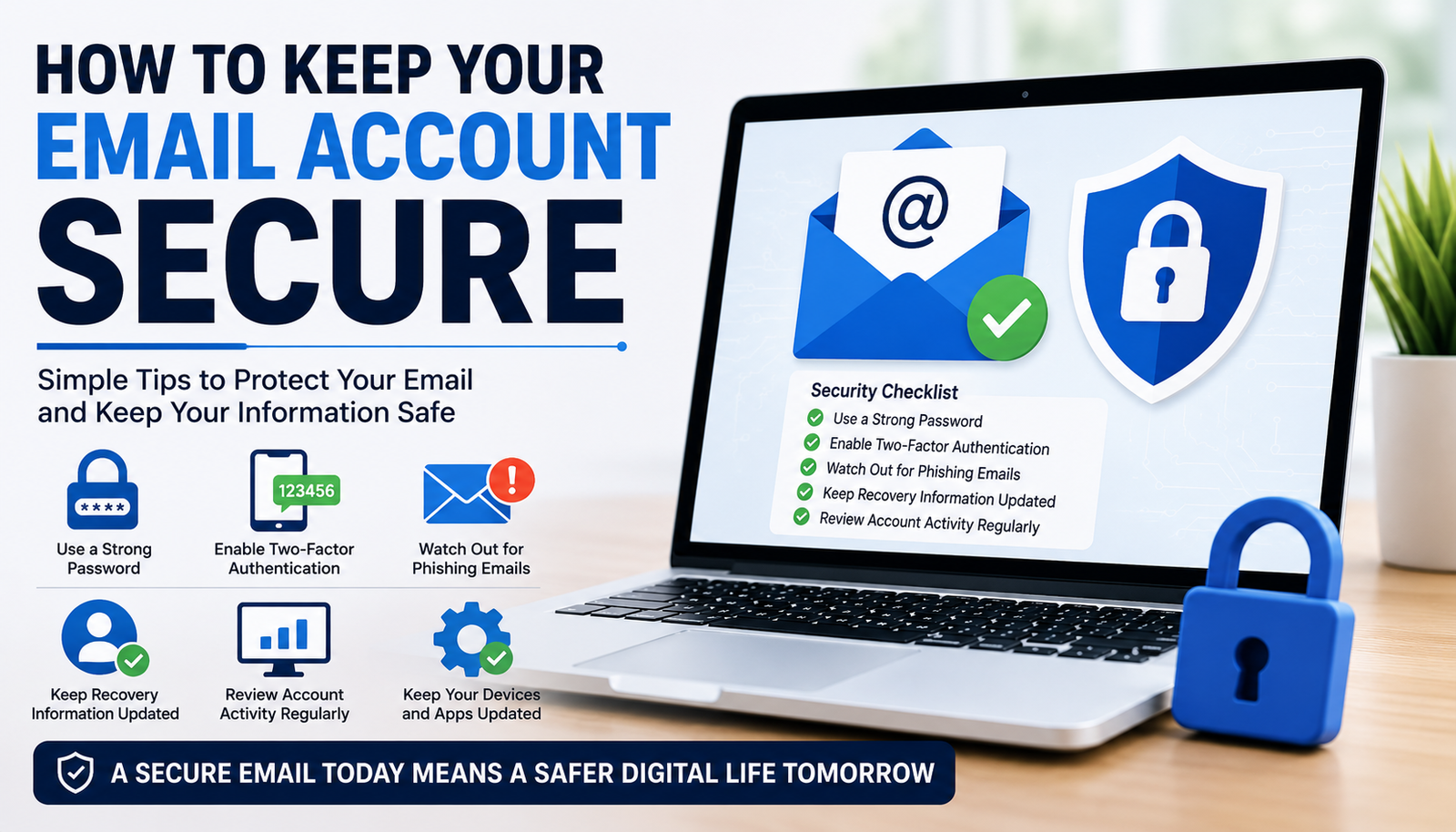
Create a Strong and Unique Password
The first step toward better security is creating a strong password.
Avoid using common passwords such as password, 123456, your birthday, or your name.
Instead, choose a long password that combines uppercase letters, lowercase letters, numbers, and special characters.
I also make sure that my email password is completely different from every other password I use.
Using unique passwords prevents one data breach from affecting multiple accounts.
Enable Two Factor Authentication
One of the best security features available today is two factor authentication.
After entering your password, the service asks for a second verification step, usually through an authentication application, security key, or verification code.
Even if someone somehow learns your password, they still cannot access your account without the second verification method.
Whenever two factor authentication is available, I always enable it immediately.
Watch Out for Phishing Emails
Phishing attacks are becoming more convincing every year.
Criminals create emails that appear to come from trusted companies, banks, or online services.
These emails often ask you to click a link or verify your account.
Before clicking anything, I carefully check the sender’s email address and examine the website link.
If something feels suspicious, I visit the company’s official website directly instead of using the email link.
Keep Recovery Information Updated
Recovery information becomes extremely important if you ever lose access to your account.
I regularly review my recovery email address and phone number to ensure they remain accurate.
If recovery information is outdated, regaining access after a problem becomes much more difficult.
Keeping these details current provides an important safety net.
Review Security Activity
Many email providers allow users to review recent login activity.
I occasionally check which devices have accessed my account.
If I notice an unfamiliar device or unexpected location, I immediately change my password and review my security settings.
Monitoring account activity helps detect unauthorized access before serious damage occurs.
Avoid Public WiFi for Sensitive Tasks
Public WiFi networks can sometimes expose users to security risks.
Whenever possible, I avoid logging into important email accounts while connected to public networks.
If I absolutely must use public WiFi, I avoid accessing sensitive information and prefer using trusted security tools for additional protection.
Using a secure home or mobile network is always the safer option.
Keep Your Devices Updated
Your email account is only as secure as the device you use to access it.
Software updates often include important security improvements.
I regularly update my smartphone, computer, browser, and email applications.
These updates help close security vulnerabilities that attackers may attempt to exploit.
Ignoring updates leaves unnecessary risks.
Use Trusted Devices
I try to access my email only from devices that I own or trust.
Logging into personal email accounts on shared or public computers increases the chances of someone accessing sensitive information.
If using another computer becomes necessary, I always log out completely before leaving.
I also avoid saving passwords on shared devices.
Do Not Share Verification Codes
Many scams now involve requesting verification codes instead of passwords.
No legitimate company should ask you to share your security verification codes.
If someone contacts me requesting a code that was sent to my phone or email, I immediately recognize it as suspicious.
Keeping verification codes private is just as important as protecting passwords.
Be Careful with Attachments
Email attachments remain one of the most common ways malware spreads.
Before opening any attachment, I make sure I recognize the sender and expect the file.
Unexpected invoices, shipping notices, or urgent documents should always be treated carefully.
If I have any doubts, I verify the message before opening the attachment.
A few extra seconds of caution can prevent serious security problems.
Remove Old Devices
Over time, many devices become connected to our email accounts.
Old phones, computers, and tablets that are no longer used should be removed from your account.
I occasionally review connected devices and remove anything that I no longer recognize or use.
This reduces unnecessary security risks.
Use a Password Manager
Remembering unique passwords for every account can be difficult.
A password manager helps generate and securely store strong passwords.
Instead of reusing passwords, I allow the password manager to create random passwords for each account.
This greatly improves overall online security while making password management much easier.
Check for Data Breaches
Sometimes websites experience security incidents that expose user information.
If one of your accounts is involved in a known data breach, change the password immediately.
I also review other accounts that may have used similar passwords.
Responding quickly reduces the chances of unauthorized access.
Avoid Giving Personal Information
Some attackers collect personal information from social media before attempting to access accounts.
The less personal information you publicly share, the harder it becomes for criminals to guess passwords or answer security questions.
I avoid posting unnecessary personal details online whenever possible.
Privacy and security often go hand in hand.
Regularly Review Security Settings
Many people set up their email account once and never review the security settings again.
I recommend checking account security every few months.
Review connected devices, recovery methods, app permissions, login history, and security alerts.
Small adjustments made regularly help maintain long term protection.
Build Good Security Habits
Technology alone cannot protect every account.
Good habits play an equally important role.
Think carefully before clicking links.
Keep passwords private.
Use two factor authentication.
Update devices regularly.
Avoid suspicious downloads.
Stay informed about common online scams.
These habits become more valuable as cyber threats continue evolving.
Final Thoughts
Your email account is one of the most valuable online accounts you own because it connects to so many other services. Protecting it should always be a top priority.
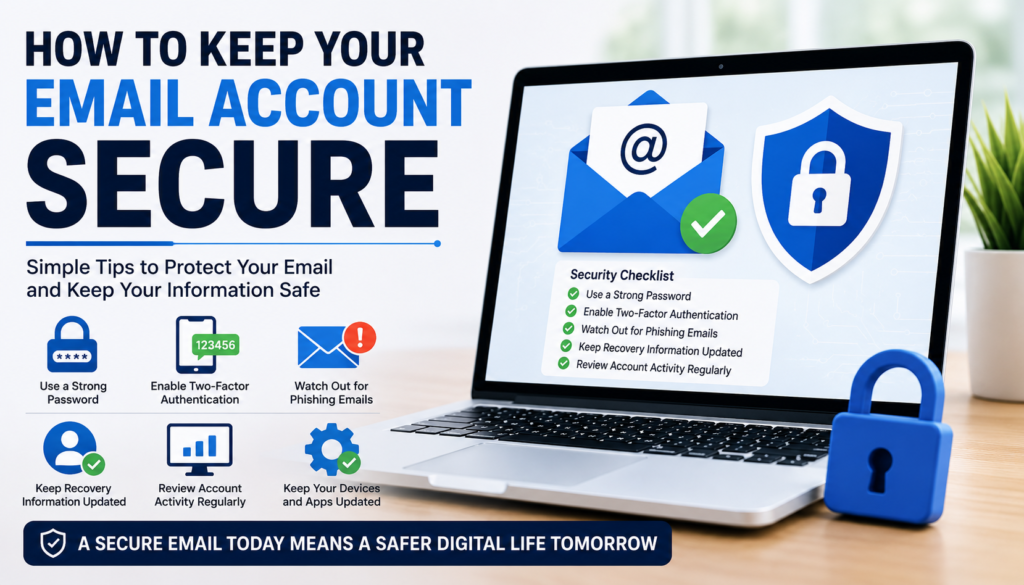
In my opinion, creating a strong unique password, enabling two factor authentication, watching out for phishing emails, reviewing login activity, updating recovery information, using trusted devices, and practicing safe browsing habits together provide excellent protection against most online threats.
Online security does not require advanced technical knowledge. Small actions taken consistently can make a significant difference. By following these simple tips, you can greatly reduce the risk of unauthorized access and enjoy greater peace of mind knowing that your email account is well protected.