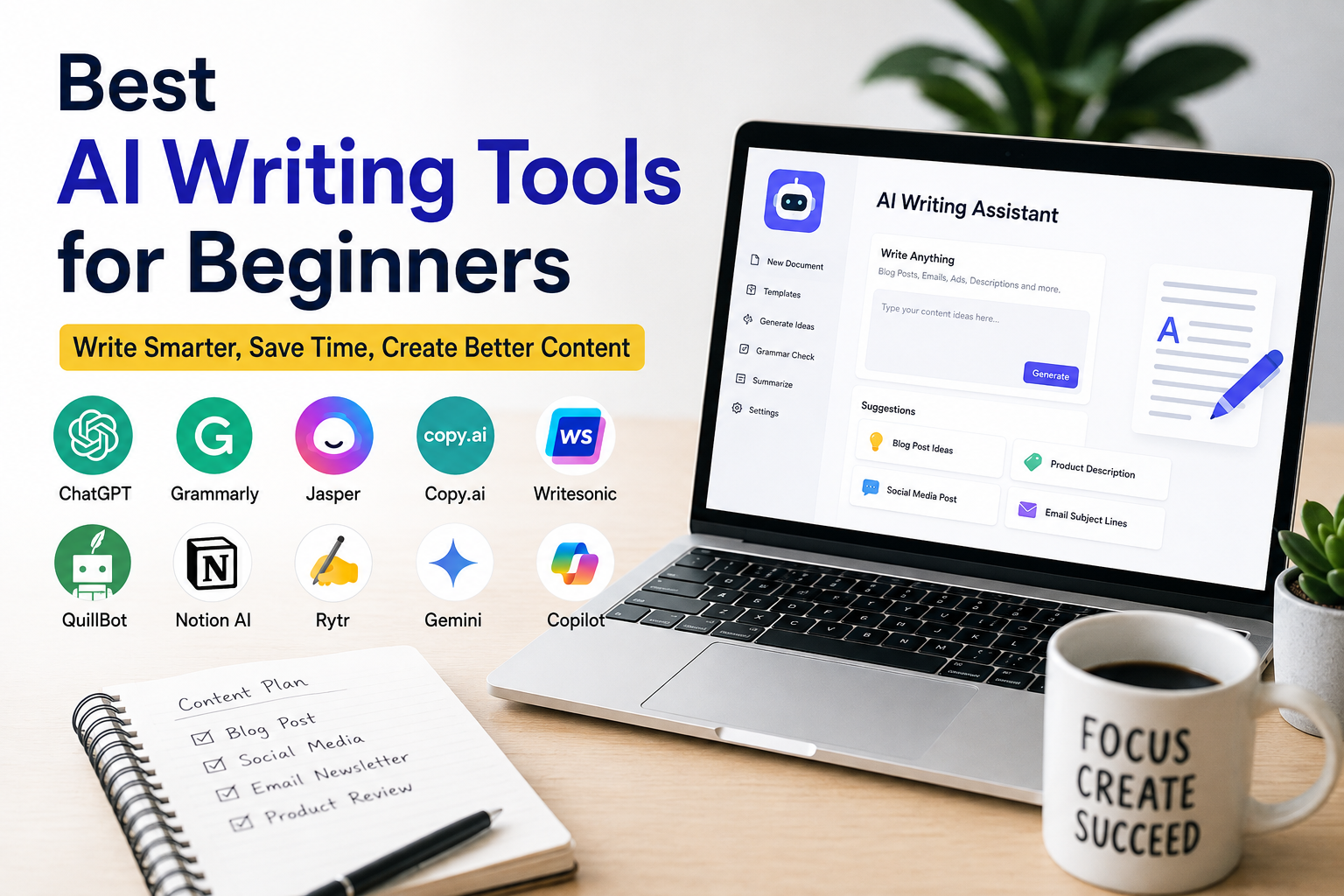
If you are just starting your writing journey, choosing the right tool can make a huge difference. I remember when I first started creating content. Writing articles, emails, social media posts, and website content took a lot of time. I often struggled to find the right words or organize my ideas. That changed when I started using AI writing tools.
Today, AI has become a helpful assistant for writers, bloggers, students, freelancers, and business owners. These tools do not replace creativity, but they make writing faster, easier, and more organized. The best part is that many of them are beginner friendly and require no technical skills.
In this article, I will share the best AI writing tools for beginners, explain their features, and help you choose the right one for your writing needs.
Why Beginners Should Use AI Writing Tools
Writing can feel difficult when you are new. Sometimes you know what you want to say, but you cannot find the right words. Other times you spend hours editing the same paragraph.
AI writing tools help solve these problems by giving suggestions, generating ideas, improving grammar, and creating well structured content.
Some of the biggest benefits include saving time, improving writing quality, generating fresh ideas, reducing writer’s block, and helping you learn better writing techniques.
Instead of replacing your skills, these tools help you become a better writer with practice.
ChatGPT
ChatGPT is one of the most popular AI writing tools available today, and it is the first tool I recommend to beginners.
It can help you write blog posts, emails, product descriptions, essays, business letters, website content, social media captions, and much more.
One thing I like about ChatGPT is its flexibility. I can simply explain what I need, and it generates a detailed response within seconds.
For example, if I need an article about fitness or technology, I simply provide my keyword and writing instructions. ChatGPT creates a solid draft that I can edit and personalize.
Best Features
Natural conversations
Long form content creation
Idea generation
Article outlines
Email writing
Content rewriting
Grammar improvement
Creative writing assistance
Best For
Bloggers
Students
Freelancers
Business owners
Content creators
Grammarly
Grammarly is another excellent AI writing assistant for beginners.
Even experienced writers make grammar mistakes, spelling errors, and awkward sentences. Grammarly checks your writing in real time and suggests improvements.
I use Grammarly after completing every article because it helps make my writing cleaner and easier to read.
It also suggests better vocabulary and improves sentence clarity without changing my writing style too much.
Best Features
Grammar checking
Spelling correction
Punctuation improvements
Sentence clarity
Tone suggestions
Vocabulary enhancement
Best For
Students
Professional writers
Office workers
Email writing
Academic writing
Jasper AI
Jasper AI is designed mainly for content creators and marketers.
It helps generate articles, advertisements, product descriptions, email campaigns, and website copy.
One thing beginners appreciate is its ready made templates. Instead of starting with a blank page, you simply choose a template and provide a few details.
Jasper then creates professional quality content quickly.
Although it is a paid tool, many writers find it worth the investment.
Best Features
Marketing templates
SEO content
Blog writing
Social media content
Business copywriting
Creative writing
Best For
Digital marketers
Freelancers
Businesses
Professional bloggers
Copy.ai
Copy.ai is another beginner friendly AI writing platform.
Its simple interface makes it easy to use even if you have never used AI before.
It helps generate headlines, blog ideas, social media captions, email content, and advertising copy.
Whenever I need creative ideas quickly, Copy.ai usually provides several different options.
This makes brainstorming much easier.
Best Features
Fast content generation
Marketing copy
Email writing
Product descriptions
Headline generation
Content ideas
Best For
Small businesses
Social media managers
Beginners
Online stores
Writesonic
Writesonic is well known for creating SEO friendly content.
It helps generate blog posts, landing pages, Google advertisements, product descriptions, and website copy.
One feature I appreciate is that it creates different versions of the same content, allowing me to choose the one I like most.
It also works well for beginners because the interface is clean and easy to understand.
Best Features
SEO content
Long articles
Website copy
Marketing content
Advertisement writing
Blog creation
Best For
Website owners
Affiliate marketers
Content creators
SEO writers
QuillBot
QuillBot is perfect for rewriting and improving existing content.
Sometimes I write a paragraph that sounds repetitive or difficult to read.
Instead of rewriting everything manually, I paste the text into QuillBot.
It rewrites the content while keeping the original meaning.
This makes editing much faster.
Best Features
Paraphrasing
Grammar checking
Summarization
Citation assistance
Sentence improvement
Best For
Students
Researchers
Bloggers
Editors
Notion AI
Notion AI combines writing with productivity.
If you already use Notion for planning your work, the AI features make it even more useful.
It helps create meeting notes, summarize documents, generate ideas, and organize projects.
Instead of switching between multiple applications, everything stays in one workspace.
Best Features
Meeting summaries
Project planning
Writing assistance
Task organization
Content generation
Best For
Teams
Students
Project managers
Freelancers
Rytr
Rytr is one of the most affordable AI writing tools available.
Despite its lower price, it offers impressive writing capabilities.
It supports multiple writing styles and helps create blog posts, emails, advertisements, business ideas, and social media content.
The simple interface makes it ideal for beginners.
Best Features
Affordable pricing
Simple interface
Multiple writing tones
Blog writing
Email creation
Business content
Best For
New bloggers
Freelancers
Small businesses
Students
Google Gemini
Google Gemini is another useful AI writing assistant.
It integrates well with Google’s ecosystem and helps answer questions, generate ideas, create documents, and assist with research.
For beginners already using Google services, Gemini feels familiar and easy to use.
Best Features
Google integration
Research assistance
Writing support
Idea generation
Productivity help
Best For
Students
Researchers
Google Workspace users
Microsoft Copilot
Microsoft Copilot is especially useful for people who work with Microsoft Office.
It helps write Word documents, summarize information, create presentations, and organize spreadsheets.
If you already use Microsoft Office daily, Copilot can save a significant amount of time.
Best Features
Word assistance
Excel support
PowerPoint creation
Document summaries
Office productivity
Best For
Office professionals
Business users
Students
How to Choose the Right AI Writing Tool
Choosing the best AI writing tool depends on your goals.
If your main focus is writing articles and learning, ChatGPT is an excellent starting point.
If grammar is your biggest concern, Grammarly should be part of your writing process.
For marketing content, Jasper AI and Copy.ai are strong options.
If you frequently rewrite content, QuillBot is very useful.
For productivity and planning, Notion AI works well.
There is no single perfect tool for everyone.
The best choice depends on the type of writing you do most often.
Tips for Using AI Writing Tools Effectively
AI tools work best when you provide clear instructions.
Instead of asking for a general article, explain your topic, target audience, preferred tone, word count, and important points.
Always review the generated content before publishing.
Add your own opinions, experiences, and examples to make the writing unique.
Use AI as an assistant rather than depending on it completely.
The more you edit and personalize the content, the better the final result becomes.
Common Mistakes Beginners Should Avoid
Many beginners copy AI generated content without reading it carefully.
This can lead to factual mistakes or content that does not match their personal writing style.
Another mistake is expecting AI to know exactly what you want without giving detailed instructions.
Good prompts produce better results.
It is also important to continue improving your own writing skills.
AI should support your creativity, not replace it.
Learning grammar, storytelling, and communication will always make you a stronger writer.
Are AI Writing Tools Worth It?
In my opinion, yes.
AI writing tools save time, reduce stress, and make content creation much easier for beginners.
They help generate ideas when creativity runs low and improve writing quality through grammar suggestions and better organization.
However, the real value comes from combining AI with your own knowledge and personality.
Readers appreciate content that feels authentic and human.
That is something only you can provide.
Final Thoughts
Finding the best AI writing tools for beginners does not have to be difficult. There are many excellent options available, and each offers unique features for different writing needs. ChatGPT is perfect for generating ideas and long form content. Grammarly improves grammar and readability. Jasper AI and Copy.ai are excellent for marketing content. Writesonic creates SEO friendly articles, while QuillBot helps rewrite existing text. Notion AI improves productivity, Rytr offers affordable writing assistance, and Google Gemini and Microsoft Copilot provide strong productivity features.
If you are new to content creation, start with one or two tools instead of trying everything at once. Learn how they work, practice writing regularly, and continue improving your own skills. AI can make writing faster and easier, but your creativity, experiences, and personal voice are what make your content truly valuable. When used wisely, these tools can become reliable partners in your writing journey and help you grow into a more confident and productive writer.